Tag

Powertoys

All articles tagged with #powertoys

Microsoft PowerToys Adds Terminal Scripting to Automate Windows Workflows
technology19 days ago

Microsoft PowerToys Adds Terminal Scripting to Automate Windows Workflows

Microsoft's free PowerToys utility suite now supports command-line scripting, allowing users to automate window arrangement, file renaming, and key remapping via the terminal. The tool includes FancyZones for screen layout, Workspaces for app launching, and PowerRename for bulk file edits. It runs on Windows 10 and 11 and can be integrated with Task Scheduler for unattended automation.

Microsoft Reverses Course on Windows 11 Taskbar and Search Controls in 26H2 Update
technology2 months ago

Microsoft Reverses Course on Windows 11 Taskbar and Search Controls in 26H2 Update

Microsoft is rolling out Windows 11 version 26H2, which restores the ability to move and resize the taskbar, allows users to disable Bing search results in the Start menu, and adds a permanent opt-out for OneDrive backup prompts. The update also includes a new PowerToys utility for switching between app windows. While PCMag highlights these as long-awaited concessions to user feedback, ZDNET notes the update is stable enough for early adoption via the Release Preview channel.

Silencing Copilot in Windows 11: Quick steps to unpin, uninstall, and restrict it
technology5 months ago

Silencing Copilot in Windows 11: Quick steps to unpin, uninstall, and restrict it

Windows 11 users can reduce Copilot’s presence by unpinning it from the taskbar and uninstalling the Copilot app (though some components may persist and updates could re-enable it). For keyboard shortcuts, PowerToys lets you remap the Copilot key, and administrators can disable Copilot across devices via Group Policy and block reinstallation in future updates. Expect Copilot to reappear after major Windows updates, so periodic checks are advised.

Microsoft tests a new top-docked Windows 11 toolbar with PowerToys
technology10 months ago

Microsoft tests a new top-docked Windows 11 toolbar with PowerToys

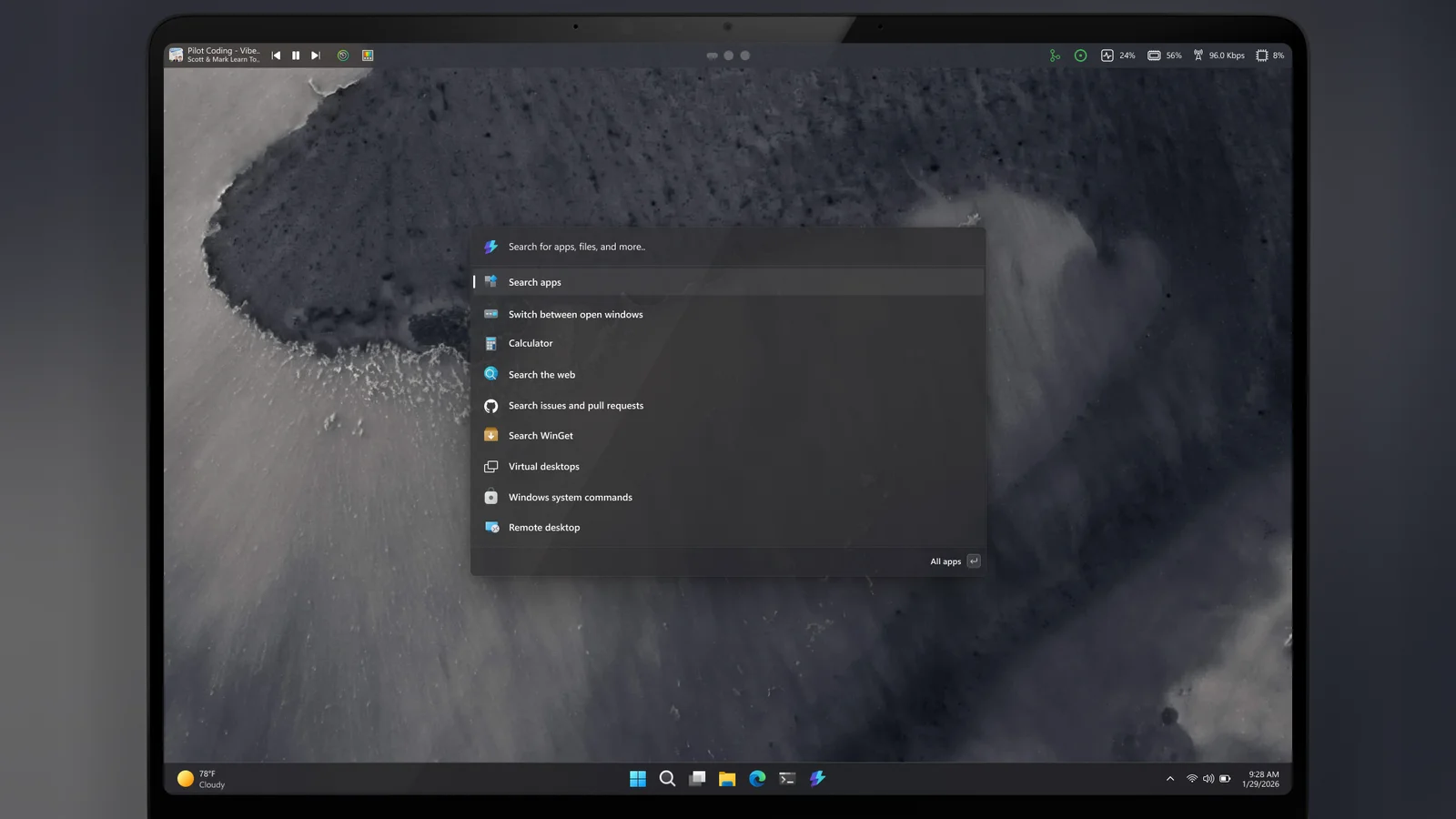
Microsoft’s PowerToys team is exploring a top menu bar, dubbed the Command Palette Dock, for Windows 11. The configurable dock can sit on any screen edge and pin extensions to start, center, or end, aiming to give quick access to tools and system resources. It’s an optional feature under consideration, with user feedback being solicited and early experimentation available to developers via PowerToys on GitHub.

PowerToys eyes Linux/Mac-style top dock for Windows 11 in early prototype
technology10 months ago

PowerToys eyes Linux/Mac-style top dock for Windows 11 in early prototype

Microsoft’s PowerToys team is prototyping a configurable, top-edge dock for Windows 11 that mirrors Mac/Linux menus. The dock, tied to the Command Palette, can be pinned to any screen edge and host extensions like RAM/CPU info and shortcuts. It’s an early proof-of-concept, with customization options (location, appearance, regions) and a call for GitHub feedback; if popular, it could become an official feature.

PowerToys 0.97 Enriches Windows Multiscreen Experience with CursorWrap and Enhanced Command Palette
technology10 months ago

PowerToys 0.97 Enriches Windows Multiscreen Experience with CursorWrap and Enhanced Command Palette

Microsoft PowerToys 0.97 adds CursorWrap, a feature that teleports the mouse to the opposite edge on multi‑monitor setups, and heavily upgrades Command Palette with built‑in extensions, file previews, personalization options, and easier control of other PowerToys and remote desktop tools, aiming to streamline tasks across Windows displays. Availability via Microsoft Store or GitHub.

PowerToys Enhances Windows 11 with Key Feature Additions and Conflict Management
technology1 year ago

PowerToys Enhances Windows 11 with Key Feature Additions and Conflict Management

Microsoft's PowerToys for Windows 11 are getting significant updates, including a feature to automatically switch between light and dark modes based on a schedule and a tool to detect keyboard shortcut conflicts, addressing long-standing missing features and enhancing user customization. The new release also includes a revamped Keyboard Manager UI and other utilities, available on GitHub.

"Microsoft Introduces AI-Powered Copy-Paste in PowerToys"
technology2 years ago

"Microsoft Introduces AI-Powered Copy-Paste in PowerToys"

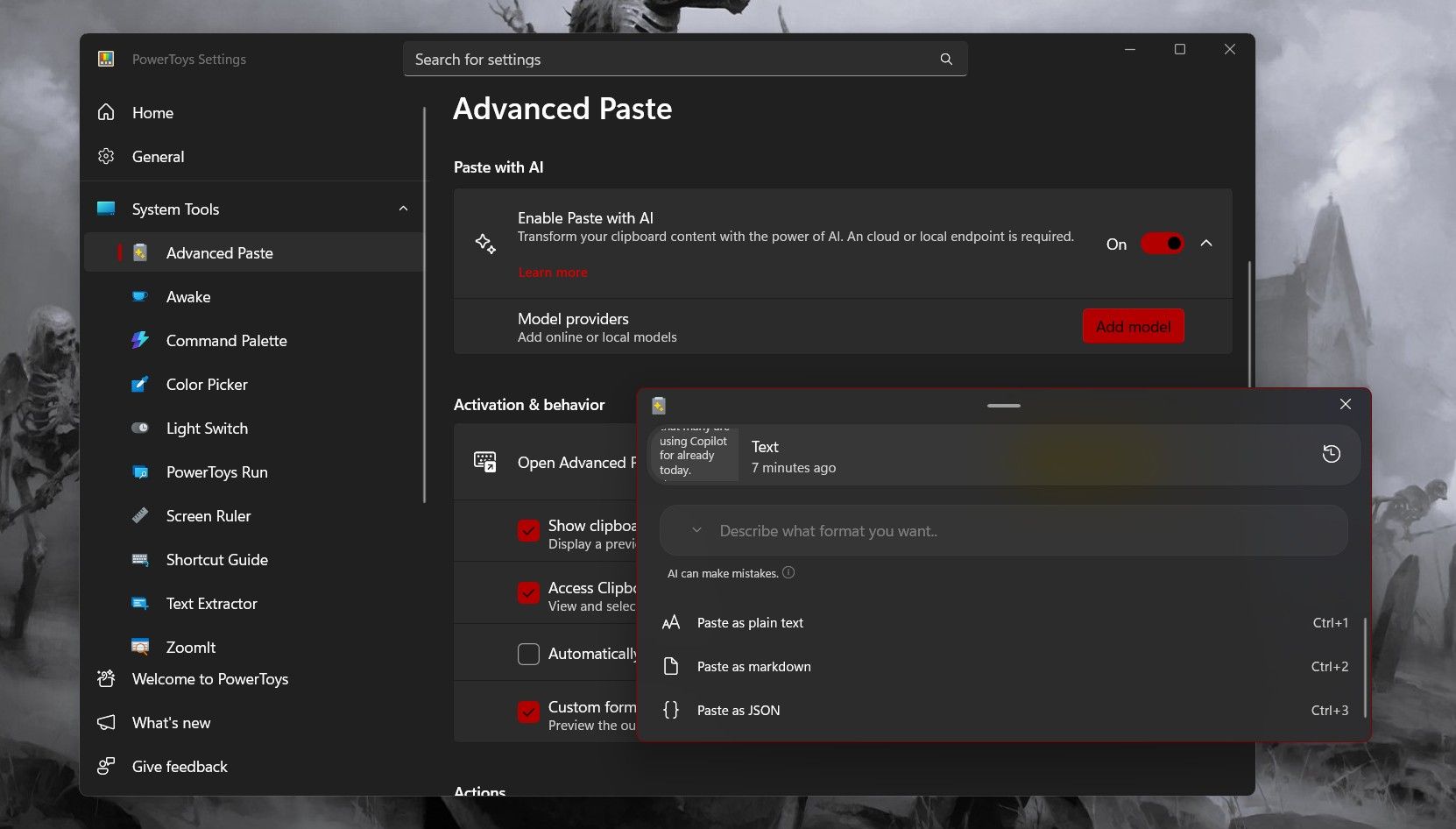
Microsoft's PowerToys has been updated to version 0.81, introducing a new AI-powered utility called Advanced Paste. This tool allows users to convert clipboard content into various formats, such as JSON or markdown, and integrates with ChatGPT for contextual content filling. The update also includes several other improvements and fixes, with some features requiring an OpenAI key and credits.

Microsoft Unveils AI-Powered Advanced Paste in PowerToys 0.81
technology2 years ago

Microsoft Unveils AI-Powered Advanced Paste in PowerToys 0.81

Microsoft has introduced an AI-powered Advanced Paste tool in its PowerToys utility, allowing users to format, summarize, rewrite, or translate copied text. To use the tool, users need the latest version of PowerToys and an API key from OpenAI. The tool offers various pasting options, including plain text, markdown, and JSON, and leverages AI for advanced text manipulation tasks.

"AI-Powered Copy and Paste Feature Introduced in Windows"
technology2 years ago

"AI-Powered Copy and Paste Feature Introduced in Windows"

Microsoft's PowerToys for Windows 11 has introduced an Advanced Paste feature that utilizes AI to convert clipboard content on the fly, enabling users to speed up workflows by pasting code in different languages and offering options such as plaintext, markdown, and JSON. The feature also allows for paste conversion using OpenAI prompts for tasks like summarized text, translations, and code generation, requiring OpenAI API credits for its best functionality.

"Microsoft PowerToys revolutionizes multi-PC control with Mouse Without Borders feature"
technology3 years ago

"Microsoft PowerToys revolutionizes multi-PC control with Mouse Without Borders feature"

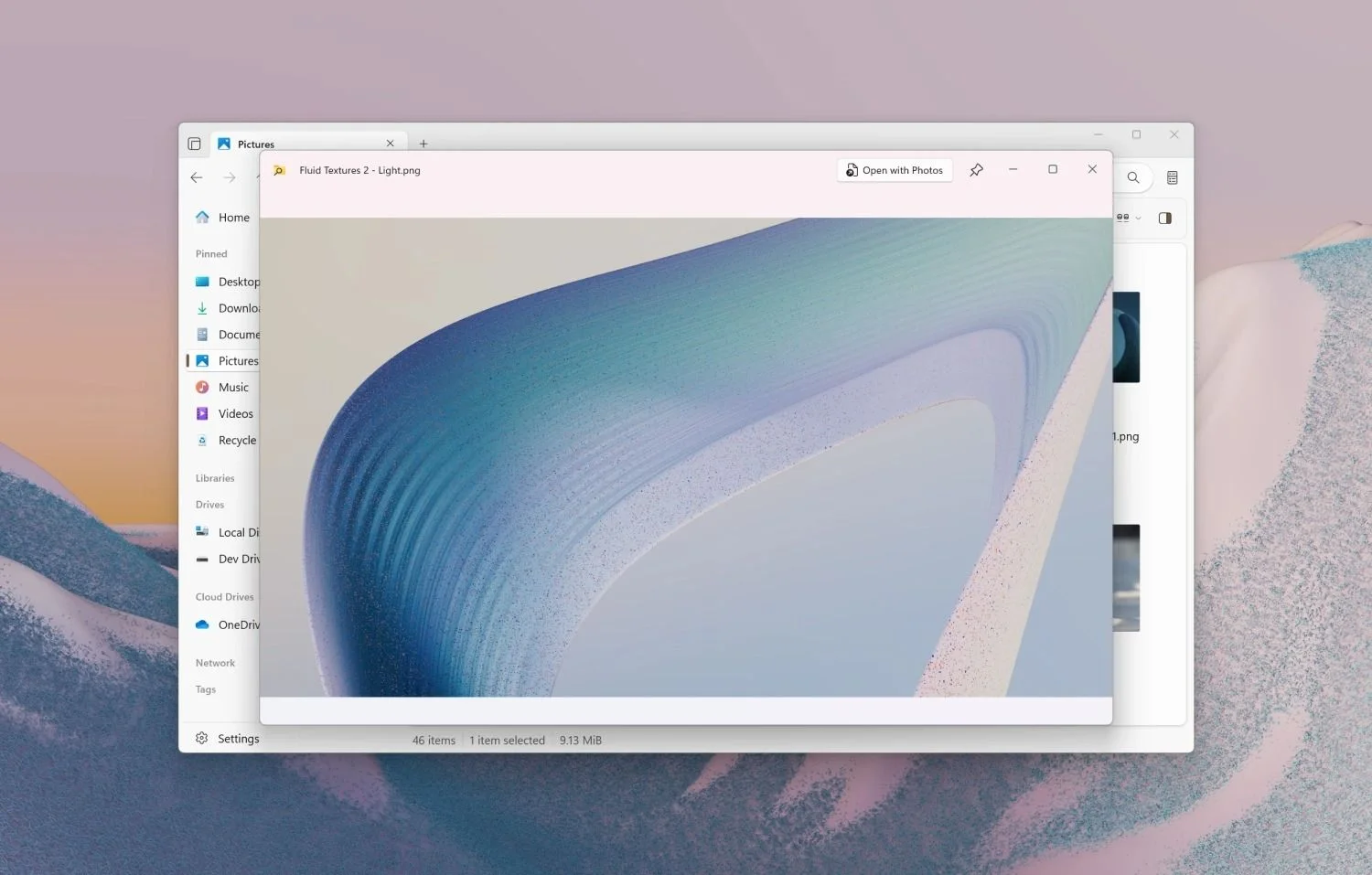
Microsoft has released an updated version of PowerToys, which includes two new tools, Mouse Without Borders and Peek. Mouse Without Borders allows users to control up to four computers using a single mouse and keyboard, while Peek lets users preview a wide range of file types without opening them. PowerToys was originally released during the Windows 95 era and was resurrected by Microsoft in 2019 as an open-source utility pack designed to enhance Windows functionality.