The Tiny Lock-Screen Line Is Your iPhone's Control Center Indicator
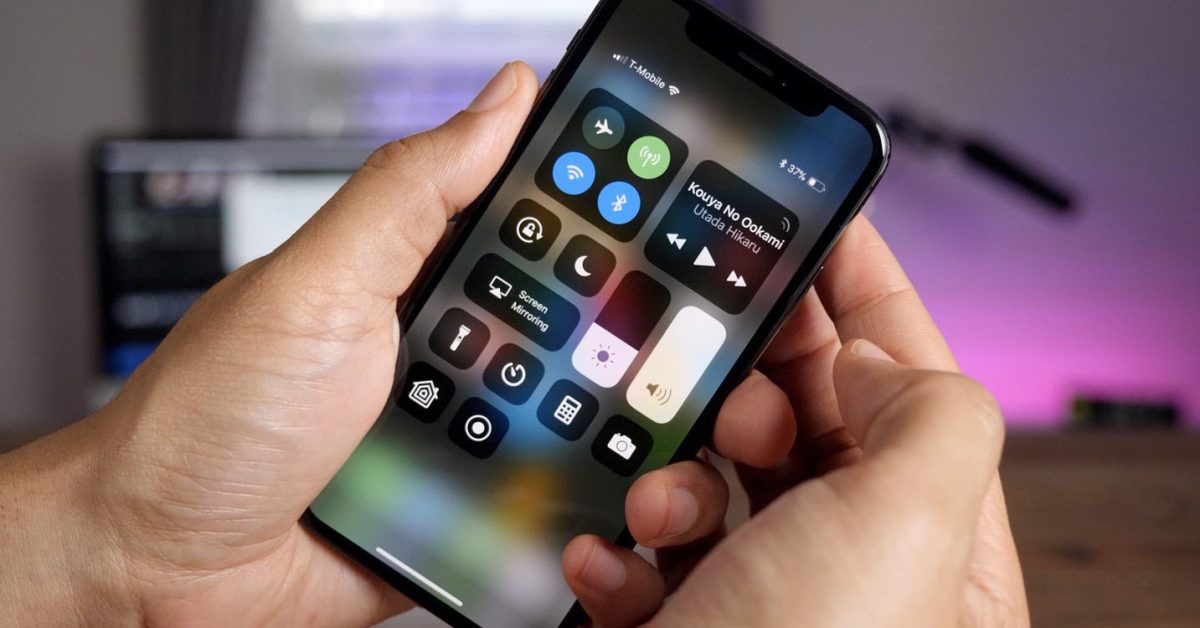
That small line under the battery icon on the iPhone lock screen is the Control Center indicator. You can access Control Center from the lock screen by swiping, and you can hide the line by disabling Control Center access when locked in Settings > Face ID & Passcode; it will stay hidden until you unlock, improving security by preventing access to controls when the device is locked.