Roku Remote Flashing Green? A Quick Guide to Pairing and Troubleshooting
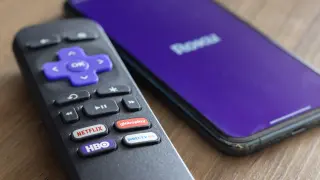
Blinking green LED on Roku remotes usually means the remote is in pairing mode or searching for a Roku device, and it can also indicate low batteries. To pair a new remote, go to Settings > Remotes & devices > Add devices > Remote > Continue (or press the pairing button if available); if there’s no pairing button, hold Back and Home until the LED flashes. After re-pairing, check the battery status under Settings > Remotes & devices > Remotes > Your remote > About. A rapid blink often signals a failing remote and the need for replacement; Roku sells replacements, including the Roku Voice Remote Pro (2nd Gen), the Roku Voice Remote, and the Roku TV Remote.