Read Comfortably on Your Phone: Browser Modes, Night Lighting, and Instapaper
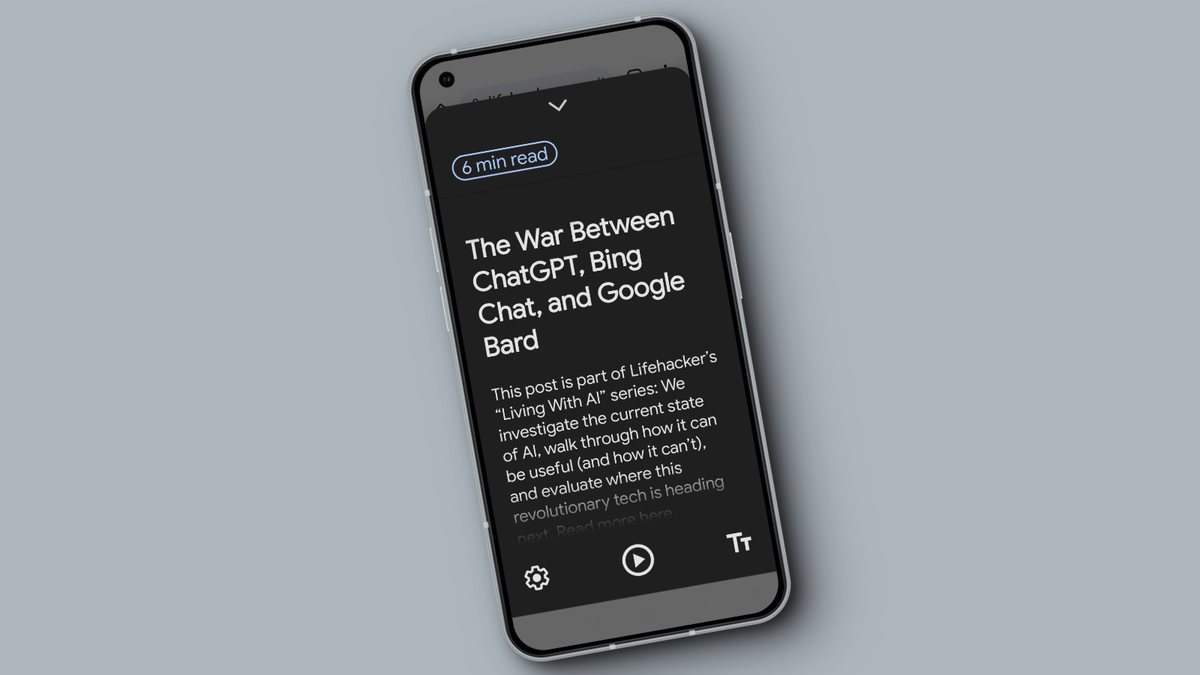
The article outlines practical tips to reduce eye strain and clutter when reading on phones: adjust display settings on Android (Display size/text, Bold Text, Dark theme) and iOS (Text Size, Bold Text, Dark Mode), and enable Night Light/Night Shift for warmer screens; use your browser’s built-in reading mode (Chrome, Safari, Firefox) to simplify article layouts; and consider a dedicated reading app like Instapaper for a distraction-free, syncable reading experience with optional premium features.