Speed Up Roku: Simple Cache-Clearing Tricks That Help
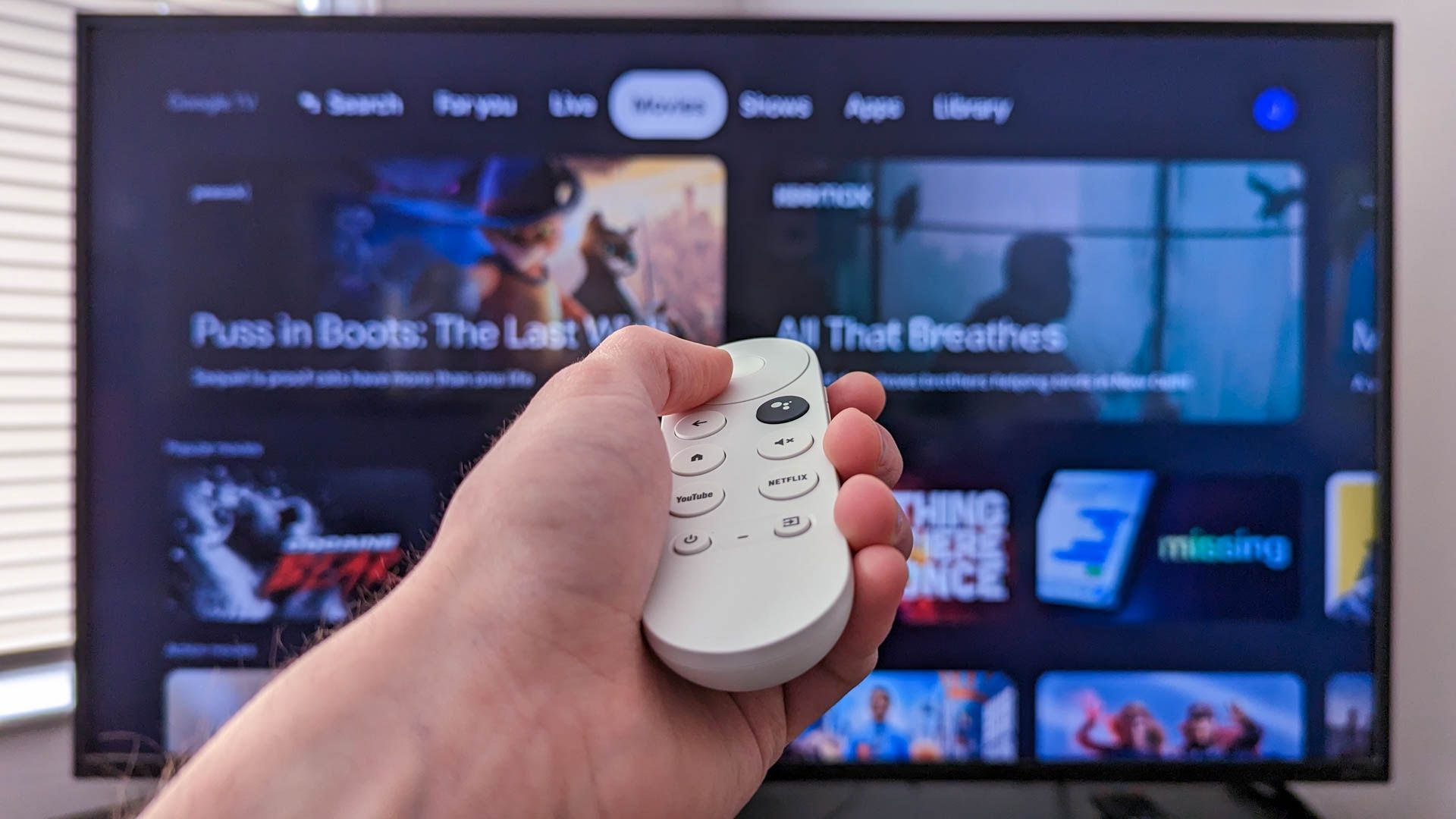
To speed up Roku TV performance, keep the software up to date (Settings > System > Software update) and clear the cache, even though Roku doesn’t offer a dedicated cache option. You can purge cached data by triggering a system restart with a remote sequence: Home x5, Up x1, Rewind x2, Fast Forward x2; or perform a standard System restart (Settings > System > Power > System restart); or unplug the device for about 30 seconds before plugging back in. Clearing the cache can make apps load faster and make the system feel snappier; consider doing it about once a month or when you notice slowdowns. App-specific cache clearing isn’t available on Roku.