Tag

Standby Mode

All articles tagged with #standby mode

Leaker reveals HomePad setup shares iPhone Duo's Photo Face feature
technology7 days ago

Leaker reveals HomePad setup shares iPhone Duo's Photo Face feature

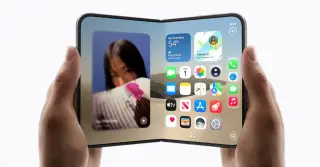
A leaker has revealed that the setup process for Apple's upcoming HomePad smart hub includes a 'Photo Face' feature, which is also expected for the foldable iPhone Duo. The HomePad is scheduled to launch on October 13, while the iPhone Duo begins pre-orders on October 16. The Photo Face feature requires iCloud Photos and allows users to select high-resolution images during setup before the full library downloads.
Starlink Ditches the $10 Roam Plan, Shifting Users to Standby or Roam 100GB
technology8 months ago

Starlink Ditches the $10 Roam Plan, Shifting Users to Standby or Roam 100GB

SpaceX is discontinuing the Roam 10GB plan for Starlink (the $10/month option), informing US, Canadian, and Australian subscribers that the plan will be retired in 30 days. Existing users can keep using it for now, but they’ll be moved to Standby Mode (unlimited data but speeds capped at 0.5 Mbps) or encouraged to switch to the new Roam 100GB plan at $50/month, with an 80% discount offered for two months to ease the transition.

"iOS 17 Feature Worth the 8-Month Wait"
technology2 years ago

"iOS 17 Feature Worth the 8-Month Wait"

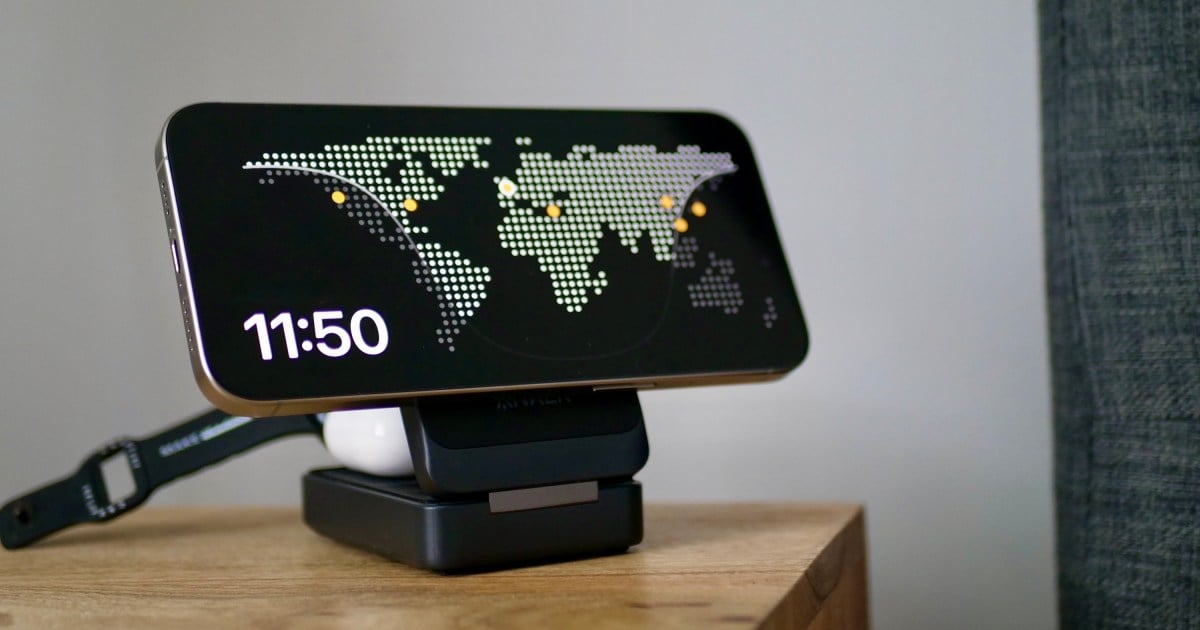
The author finally tried out the StandBy mode feature in iOS 17 after acquiring the Anker MagGo Wireless Charging Station. StandBy mode turns an iPhone into a basic smart display when charging, showing time, photos, or widgets. The Anker dock's compact, silent design made it ideal for bedside use, replacing the need for a separate smart display. The author found the combination of StandBy mode, Siri, and the Anker dock to be an effective and elegant solution for smart home management.

Nomad's Stand One Max: A Flawed Yet Ridiculously Great MagSafe Charger
technology2 years ago

Nomad's Stand One Max: A Flawed Yet Ridiculously Great MagSafe Charger

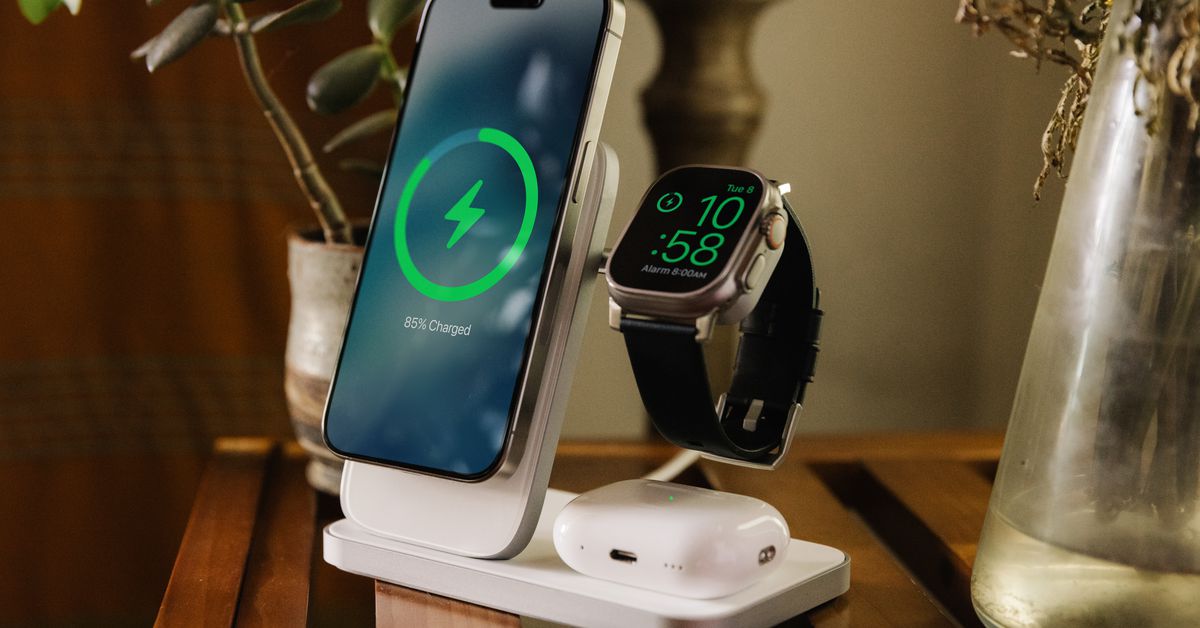
Nomad has announced the Stand One Max, a 3-in-1 MagSafe charging stand that can simultaneously charge an iPhone, Apple Watch, and AirPods. However, a design flaw prevents users from using StandBy mode on their iPhone while charging the Apple Watch, as the watch charger blocks the phone from resting horizontally. This may not affect all users, but those who frequently use StandBy mode may find it inconvenient. The Stand One Max is priced at $180, offering fast charging for compatible Apple Watches but at a higher cost compared to Nomad's previous 3-in-1 charger.

"iOS 17.1: Exciting Updates for Your iPhone on the Horizon"
technology3 years ago

"iOS 17.1: Exciting Updates for Your iPhone on the Horizon"

Apple has released the iOS 17.1 release candidate to developers and beta testers, addressing iPhone 12 safety concerns and introducing new features. These features include updates to address radio frequency concerns on the iPhone 12, new StandBy mode settings, upgrades to Apple Music such as the ability to quickly find favorite songs and song suggestions, the ability to use cellular data for AirDrop when devices are out of range, and a flashlight symbol in the Live Activities feed. The release also includes bug fixes and improvements.

"Exploring iOS 17: Notable features, tips, and messaging enhancements"
technology3 years ago

"Exploring iOS 17: Notable features, tips, and messaging enhancements"

iOS 17 brings a range of new features and improvements to iPhone users, including StandBy mode that transforms the lock screen into a smart display, interactive widgets, and enhanced customization options for FaceTime and contact lists. Messaging gets better with improved sticker features, a Check In feature, and a revamped keyboard with better autocorrect suggestions. Live Voicemail allows for call screening through live transcription, while voice note transcription automatically transcribes voice messages. Other improvements include adaptive audio for AirPods Pro, separate browsing profiles in Safari, and cross-device tracking for AirTags. Some features, like the Journal app and enhanced AirDrop capabilities, will be released later.

"Enhance iOS 17's StandBy mode with these 7 apps"
technology3 years ago

"Enhance iOS 17's StandBy mode with these 7 apps"

Apple's iOS 17 update introduced the StandBy mode, which allows users to access important information at a glance. While the number of third-party apps supporting StandBy is currently limited, there are already some notable options available. Flighty provides real-time flight updates, iScreen offers customization options for the home screen, Sports Alerts keeps users updated on sports scores and news, Carrot Weather provides accurate weather information with a touch of humor, and Broadcasts allows users to listen to radio stations worldwide. Other apps like Dark Noise and Lumy also offer StandBy widgets. As more developers embrace this feature, the selection of StandBy apps is expected to grow in the coming months.

"Enhance Your iPhone's StandBy Mode with These 7 Apps on iOS 17"
technology3 years ago

"Enhance Your iPhone's StandBy Mode with These 7 Apps on iOS 17"

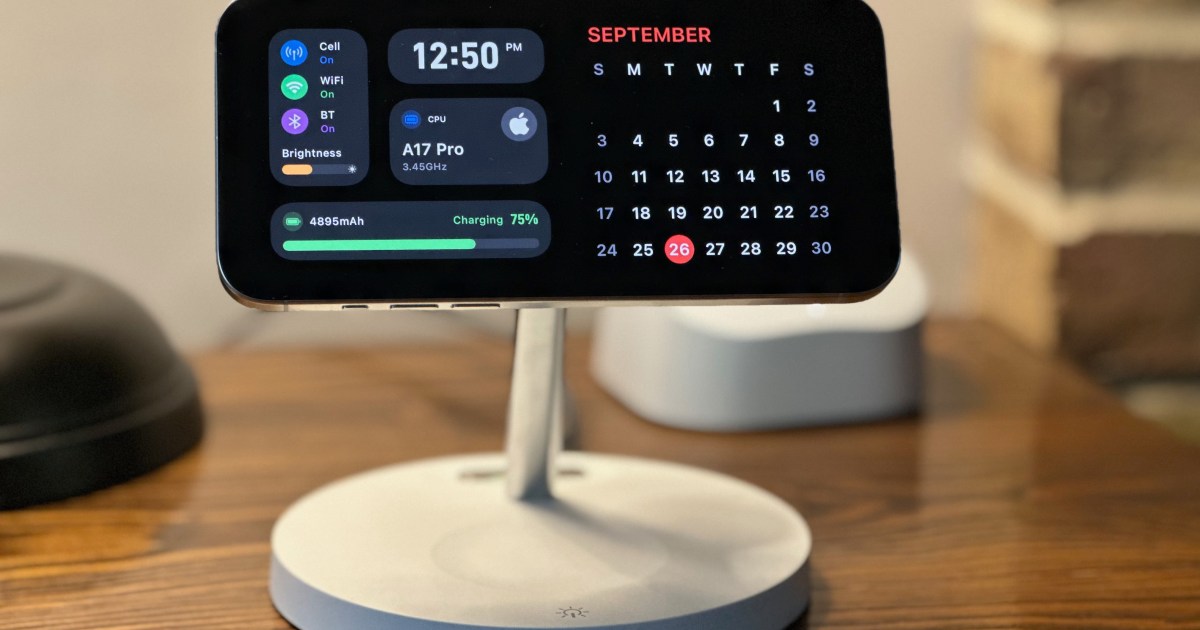
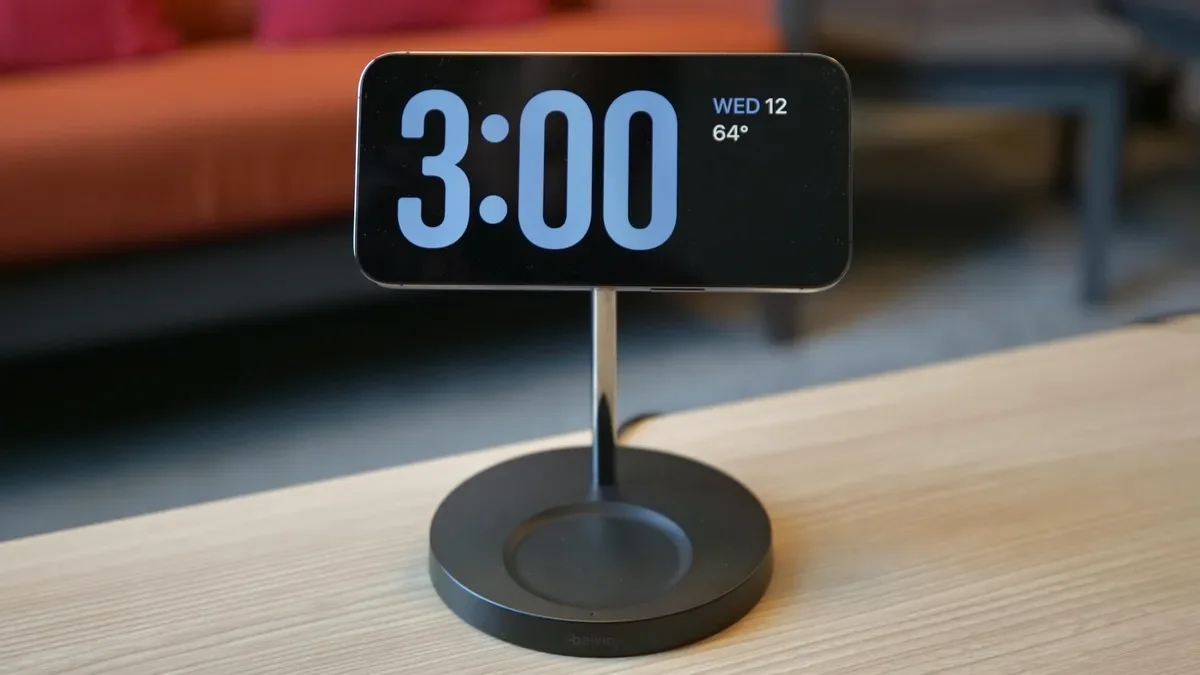
Apple's iOS 17 introduces StandBy mode, which turns your iPhone into a customizable clock display when plugged in and turned on its side. The feature offers various clock styles, full-screen photo options, and widget displays. It includes a night mode for comfortable use in dark rooms and can be activated or deactivated in the settings. StandBy mode is available on iOS 17 or later.

"Unlocking the Potential of iOS 17: StandBy Mode, Custom Stickers, and More!"
technology3 years ago

"Unlocking the Potential of iOS 17: StandBy Mode, Custom Stickers, and More!"

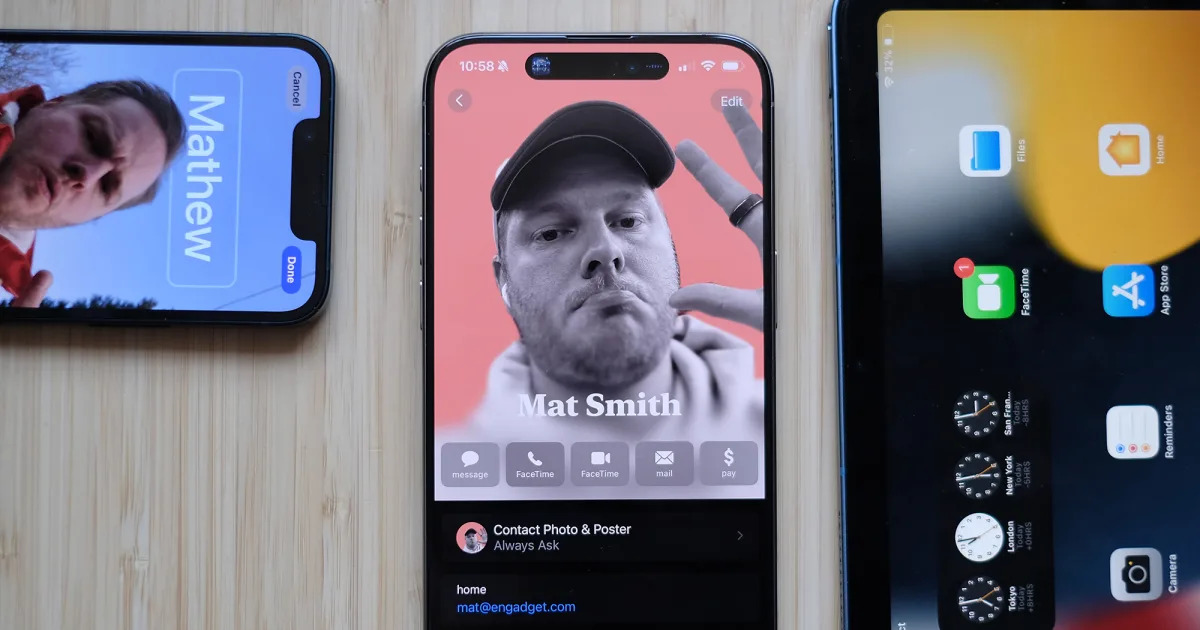
Apple's iOS 17 brings a range of new features to compatible iPhones, including StandBy mode that turns the lock screen into a mini hub, customizable Contact Posters for contact cards, an easier-to-use AirDrop with NameDrop feature, a new Journal app for personalized writing suggestions, Live Voicemail with real-time transcription, the ability to record video messages in FaceTime, a location-sharing tool called Check In, updates to the Messages app including transcriptions for audio messages and sticker enhancements, as well as additional features like triggering Siri with "Siri" instead of "Hey, Siri," offline maps in the Maps app, new profiles for Safari and passwords, auto retrieval of verification codes from the Mail app, and interactive widgets. iOS 17 is now available for download on compatible iPhones.

"iOS 17: What to Expect from Apple's Major iPhone Update"
technology3 years ago

"iOS 17: What to Expect from Apple's Major iPhone Update"

Apple's iOS 17 software update brings new features to existing iPhones, including a standby mode that turns the device into a bedside smart display, interactive widgets for the home screen, and the ability to clone your voice with AI. However, not all iPhones are compatible with the update, with the iPhone X, iPhone 8, and 8 Plus missing out but still receiving security updates. Other features include upgraded autocorrect, customisable contact cards for calls and messages, voice cloning for accessibility, improved privacy and security measures, photo recognition, and mental health tracking.

technology3 years ago

"Unlock the Full Potential of iOS 17 with StandBy Mode and Nomad's New Stand"

With the upcoming iOS 17 update, iPhone users will be able to turn their devices into smart displays using the new StandBy mode. By simply turning the iPhone sideways while it's locked and charging, users can access large widgets, which can be edited and customized. These widgets can provide information, control smart home devices, and even play media. Additionally, users can swipe horizontally to switch between a photo slideshow and a full-screen clock, with various customization options available.

"iOS 17: StandBy Mode and iPhone Stickers Deliver on Expectations"
technology3 years ago

"iOS 17: StandBy Mode and iPhone Stickers Deliver on Expectations"

iOS 17 introduces StandBy Mode, a versatile screen that transforms the iPhone into a bedside clock or smart display, and Stickers in Messages, allowing users to create customized stickers from their photos. The update also includes intuitive improvements such as swipe-to-reply in Messages and interactive home screen widgets. Personal additions include contact posters and improved pet photo identification in the Photos app. Helpful tools in iOS 17 include live voicemail transcription and the Check In feature for location sharing. The final version of iOS 17 will be released in the fall.

Mastering StandBy mode: A guide to maximizing battery life on iOS 17
technology3 years ago

Mastering StandBy mode: A guide to maximizing battery life on iOS 17

iOS 17 introduces StandBy mode, which turns your iPhone screen into a smart display while it's charging. This feature is available on all iPhone models eligible for the iOS 17 update. To use StandBy mode, simply put your screen to sleep, rotate the phone to landscape, and set it down to charge. You can choose from three options: a widget view, photos, or a clock face. Customization options include adding or removing widgets, selecting photo albums, and choosing different clock styles. StandBy mode can be toggled on or off in the settings menu, and it also remembers your preferred view for each individual charger when used with certified MagSafe chargers.