Tag

Display Settings

All articles tagged with #display settings

HDTVTest Reveals Flawed HDR Calibration in GTA 6, Recommends Specific Settings for High-Brightness Displays
technology3 days ago

HDTVTest Reveals Flawed HDR Calibration in GTA 6, Recommends Specific Settings for High-Brightness Displays

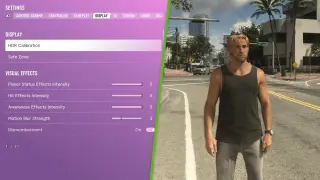
HDTVTest analyst Vincent Teoh reports that Grand Theft Auto VI's HDR calibration tool on PS5 and Xbox Series X|S provides misleading results, as the in-game brightness does not match the calibration screen. Teoh recommends specific settings for displays capable of 1,000 nits or more, noting that the game ignores console-level HDR settings. While the game targets 30 FPS, causing motion blur and stutter, players can adjust motion blur settings or use TV motion interpolation to mitigate visual issues. Rockstar has not yet addressed the calibration discrepancy.
iPhone Duo adds 'Shift Left Edge' setting to accommodate bulky third-party cases
technology2 months ago

iPhone Duo adds 'Shift Left Edge' setting to accommodate bulky third-party cases

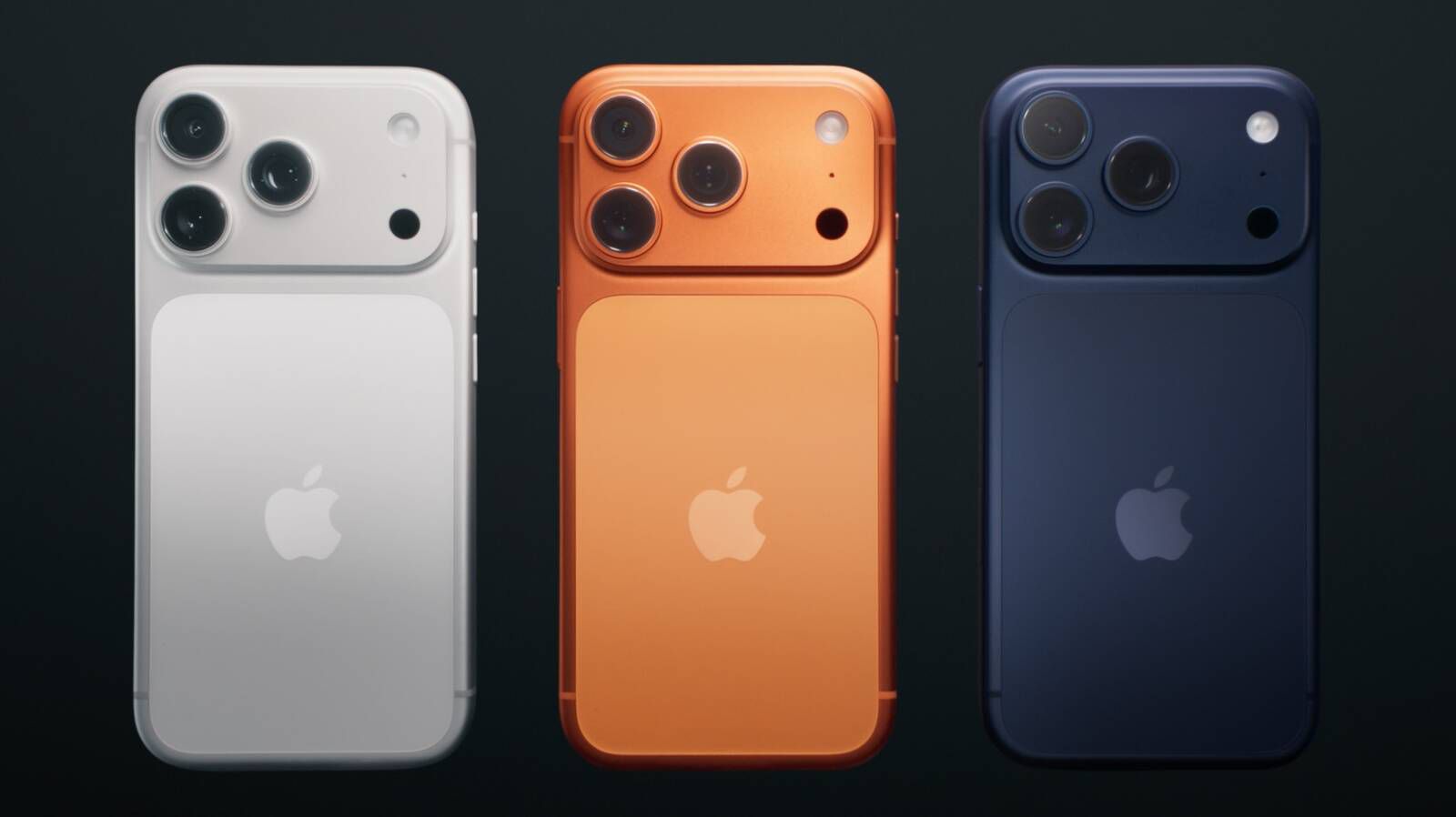
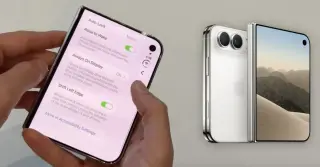
Apple’s new foldable iPhone Duo includes a hidden display setting called 'Shift Left Edge' that adds a black border to the outer screen. This feature, discovered by tech blogger Nicolas Lellouche, pushes content away from the left side to prevent interference from cases that cover the display edge. While Apple’s official cases likely do not require this adjustment, the setting appears designed for third-party protective accessories. The device launches on October 23, with pre-orders starting October 16.

Apple Releases iOS 26.1 and 26.2 with New Features and Security Updates
technology1 year ago

Apple Releases iOS 26.1 and 26.2 with New Features and Security Updates

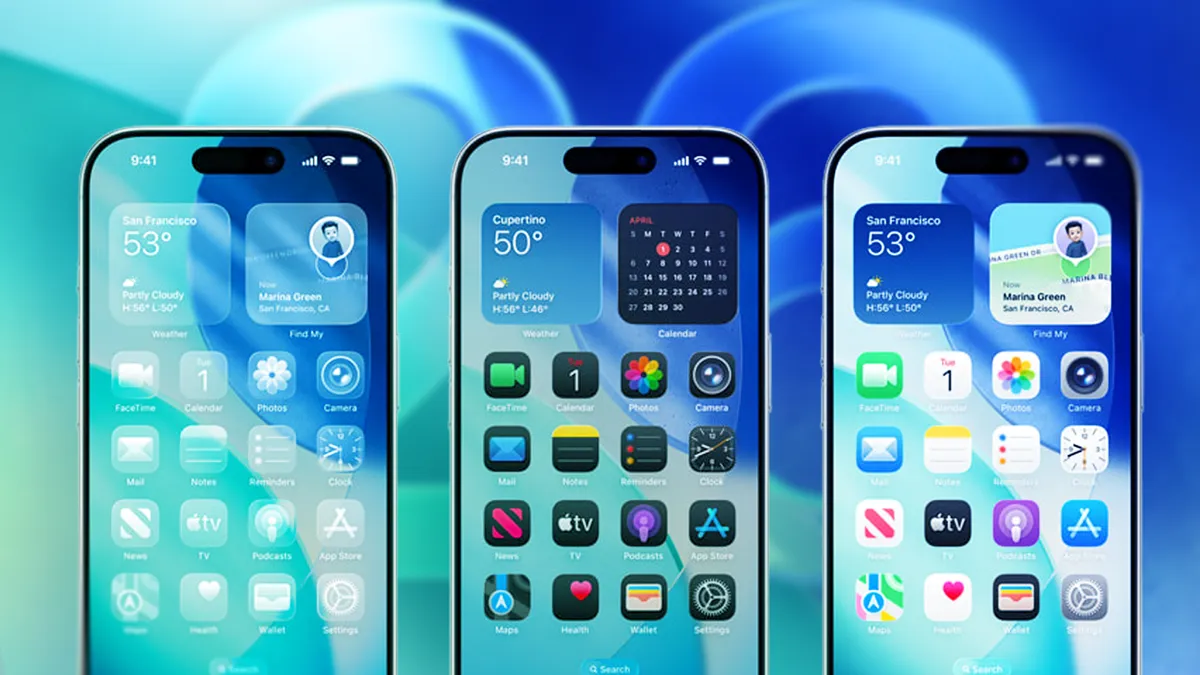
iOS 26.1 introduces a new setting allowing users to customize Liquid Glass elements on their iPhone, improving readability and aesthetic preferences by adjusting transparency and contrast without affecting overall display modes. The update offers options for Clear and Tinted Liquid Glass, enabling more personalized control over specific UI elements like Notification Center and search bars.

Unlock the Full Potential of Your Google Pixel 10's Display
technology1 year ago

Unlock the Full Potential of Your Google Pixel 10's Display

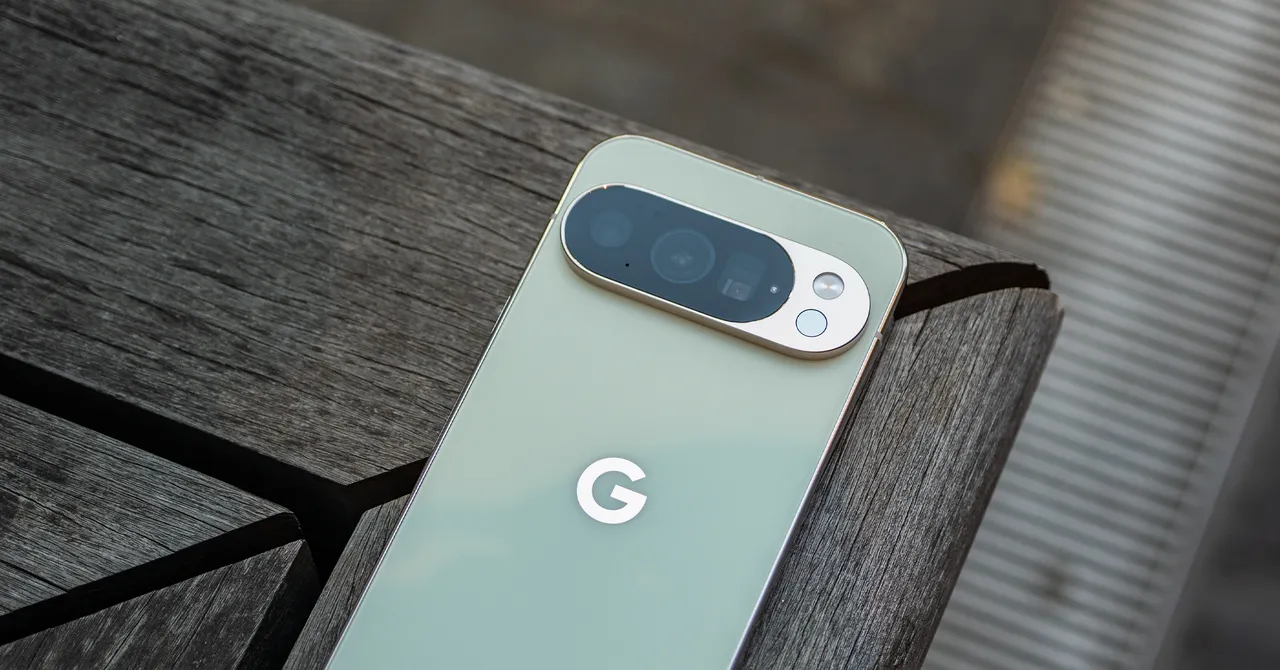
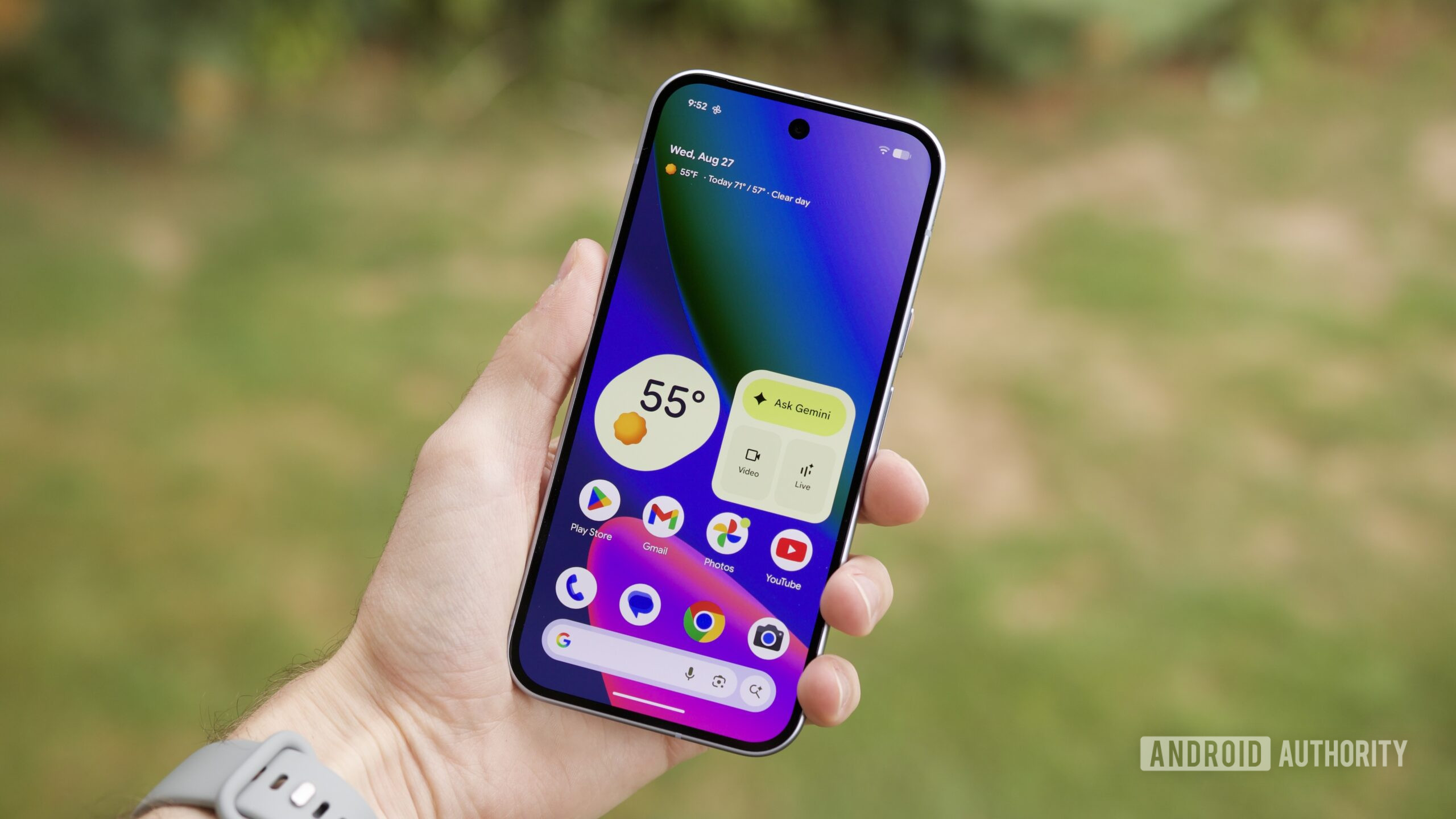
The Google Pixel 10's default display setting is at 60Hz, which affects animation smoothness, but users can easily enable the 120Hz refresh rate through settings. Google has historically disabled higher refresh rates on base models to conserve battery, but enabling 120Hz improves user experience despite increased power consumption. The article suggests Google should enable this feature by default or inform users during setup.

"Enhanced Display and Camera Updates for Samsung Galaxy S24 Series"
technology2 years ago

"Enhanced Display and Camera Updates for Samsung Galaxy S24 Series"

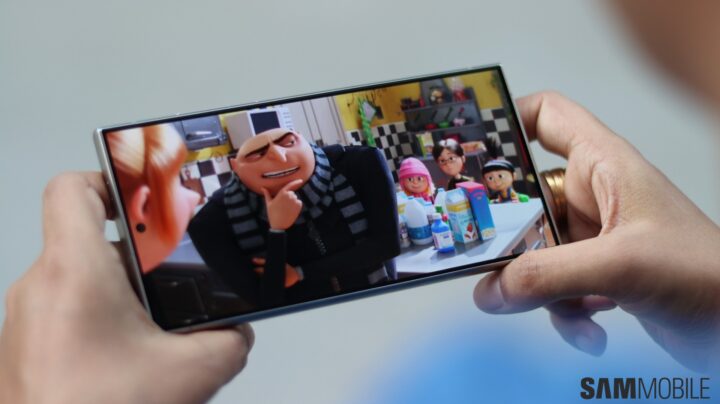
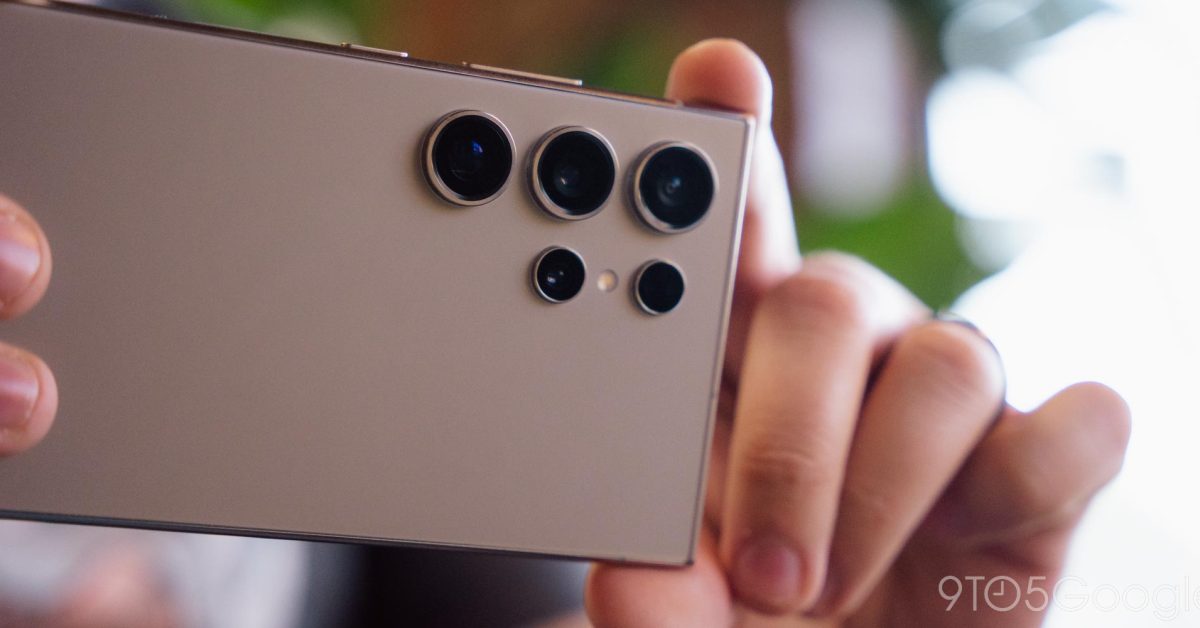
Samsung's first software update for the Galaxy S24 series allows users to adjust the display's vividness, addressing concerns about dull-looking screens. However, to access the advanced settings for the Vivid screen mode, users must first disable the Adaptive Color Tone feature in the display settings. Once disabled, users can adjust the overall vividness and white balance using the RGB sliders to customize their display experience.

"Samsung's Galaxy S24 Update: Brighter Display and Camera Fixes"
technology2 years ago

"Samsung's Galaxy S24 Update: Brighter Display and Camera Fixes"

Samsung announces the first update for the Galaxy S24 series, introducing customizable display settings to address concerns about less saturated colors. The update also includes vague improvements to key camera functions and communication features. Users can adjust RGB white balance and "Vividness" for a more vibrant display. The update will be available starting on February 22.

"Windows 11 Introduces Sudo Command and Enhanced Color Management in Insider Preview"
technology2 years ago

"Windows 11 Introduces Sudo Command and Enhanced Color Management in Insider Preview"

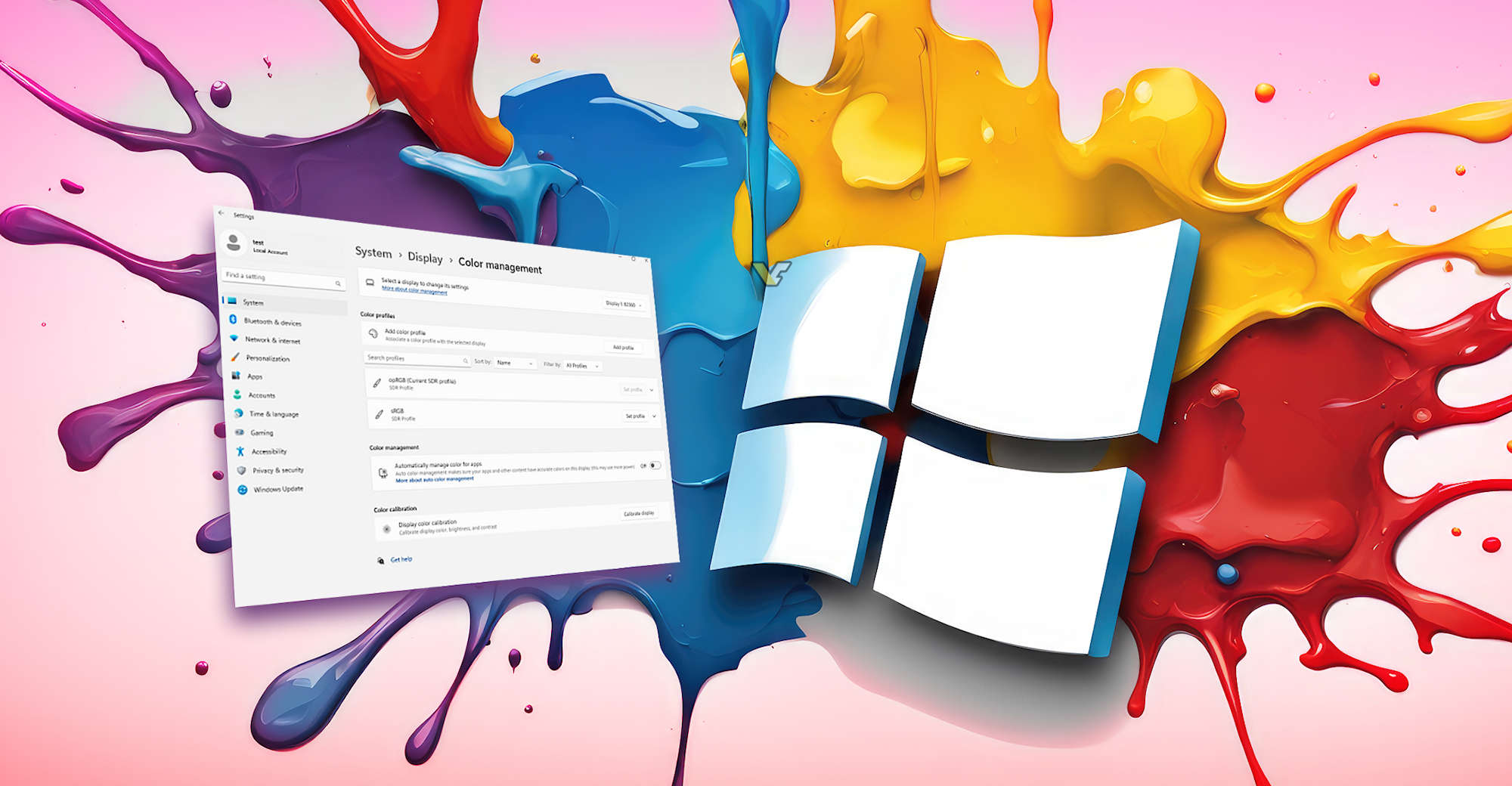
Windows 11 is set to introduce a significant update to its color management panel, with improved profiles management and simplified profile control, particularly beneficial for professionals requiring precise color reproduction. The new color management also includes a built-in color calibration option, and can automatically choose the best color profile for specific applications. However, these features are currently available only in the Canary and Dev builds, not intended for general use, and can be found in Settings > System > Display > Color management.

"Optimize Graphics Instantly on Xbox Series X with One Setting Change"
gaming2 years ago

"Optimize Graphics Instantly on Xbox Series X with One Setting Change"

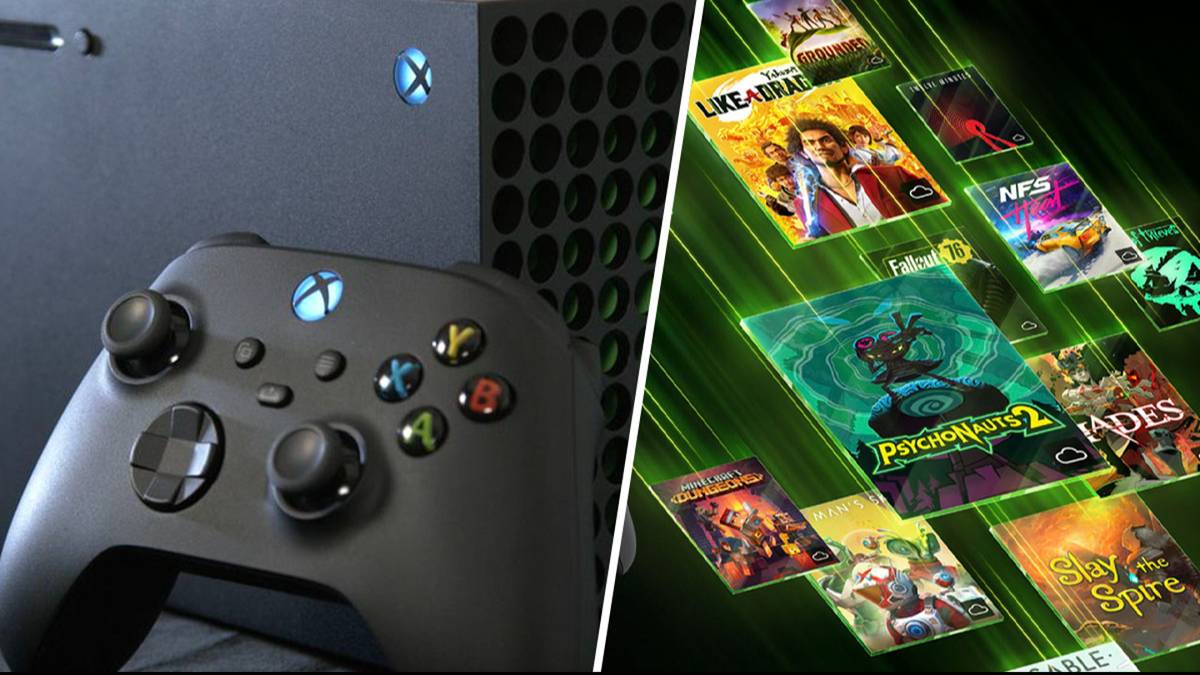
Xbox Series X users can significantly enhance their console's graphics by changing the display setting to 1080p, as demonstrated by YouTuber ChadReddings. Further improvements can be made for 4K TV owners by optimizing settings and calibrating the TV. However, it's important to note that the 1080p resolution change is only beneficial for those with a 1080p TV, and not for higher resolutions like 4K or 8K.

"Steam Deck's Latest Preview Showcases VRR, HDR, Starfield Enhancements, and ReactOS Compatibility"
gaming-technology3 years ago

"Steam Deck's Latest Preview Showcases VRR, HDR, Starfield Enhancements, and ReactOS Compatibility"

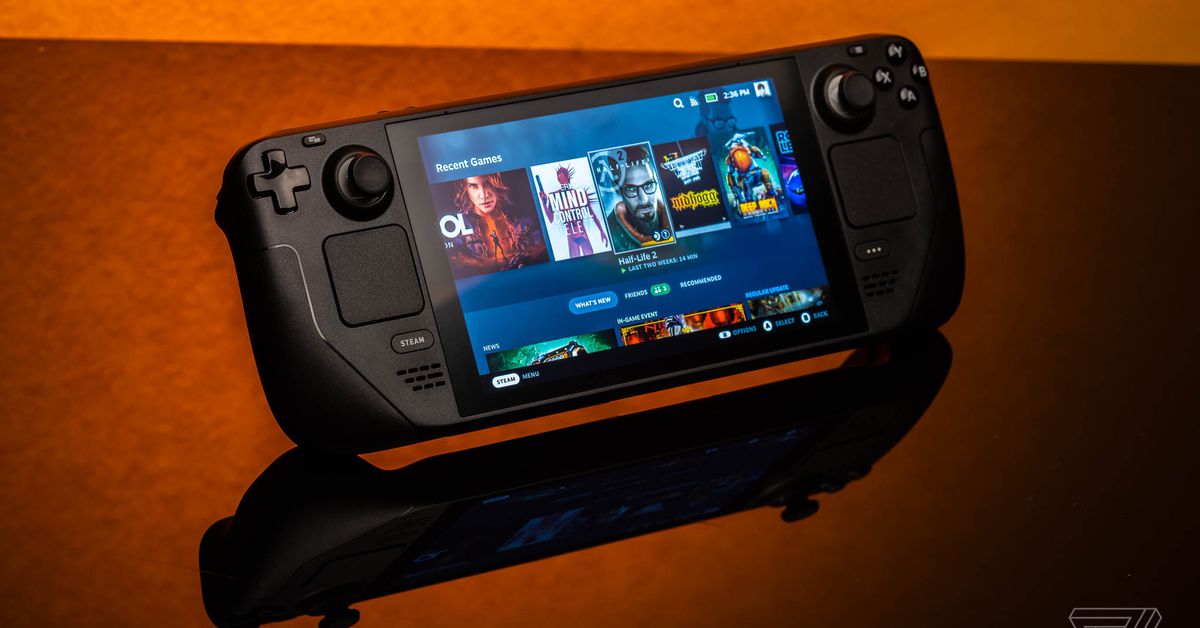
Valve's upcoming SteamOS 3.5 update for the Steam Deck introduces support for variable refresh rates (VRR) and HDR when using an external display, along with improved color rendering options. The update also includes updated graphics drivers with performance improvements, specifically for Starfield, and slightly improved sleep resume speed. Linux desktop mode users will benefit from an updated Arch Linux with a new Plasma desktop interface and an updated Discover app store. Additionally, the BIOS now has voltage offset settings for easier undervolting or overclocking.