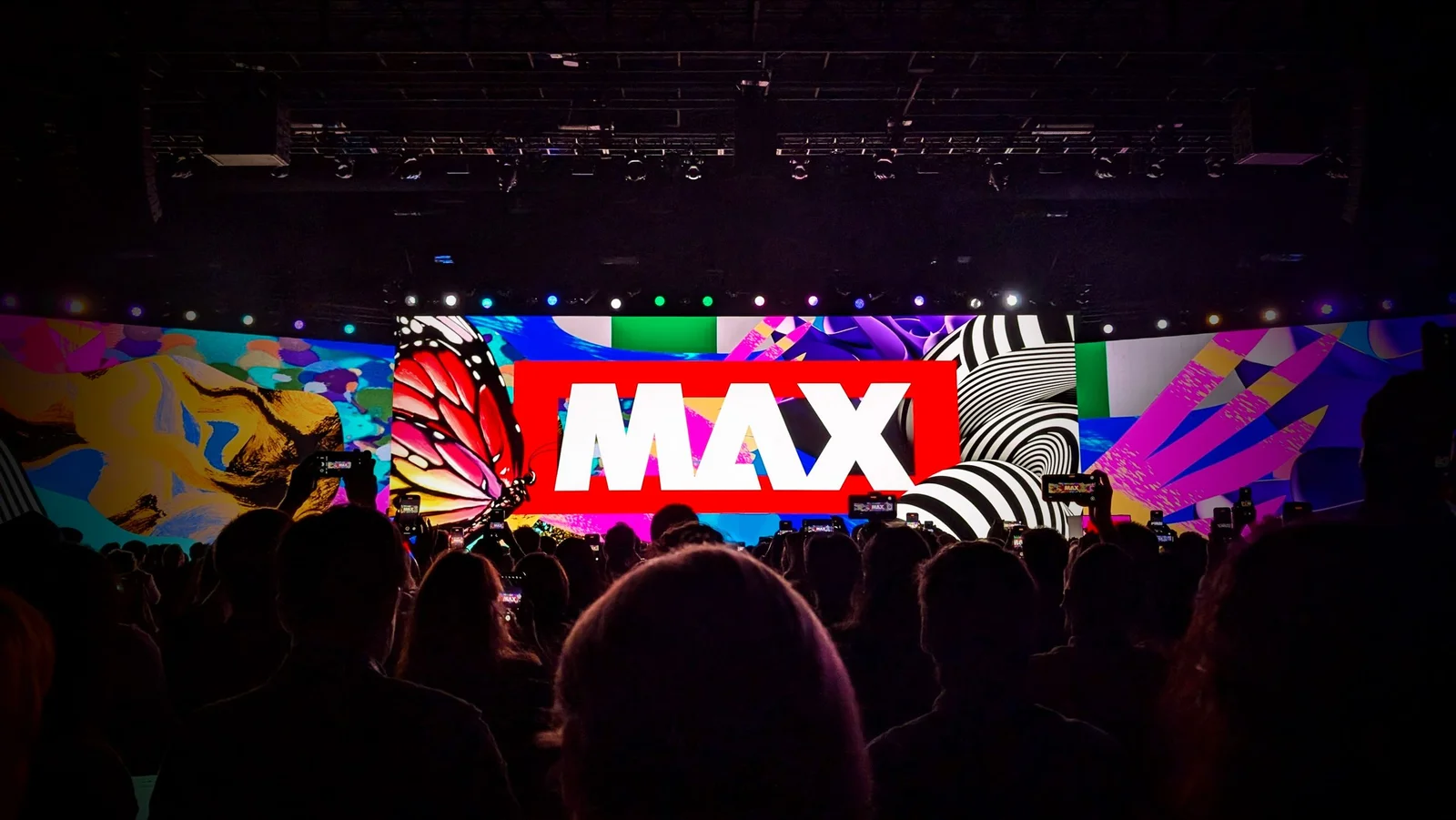
Adobe announced major updates at MAX 2026 in Miami Beach, focusing on generative AI capabilities for removing distractions, relighting scenes, and restyling images across Photoshop, Lightroom, and Premiere.
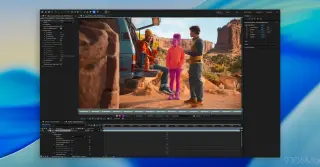
Adobe announced a broad Creative Cloud update with AI-powered features and workflow improvements across Lightroom (Assisted Culling, Select Subject v5, duplicate detection, Apple Silicon denoise, Photo to Video, AI Sharpen) and Lightroom Classic (enhanced denoise, duplicate detection), Premiere Pro (Global Audio Mute, Marker Search, Channel Blur/Gradient/Noise FX, Stock Panel, 3D transitions, object masking, single-word captioning), and After Effects (four rotoscoping tools, depth/displacement enhancements, Parametric Mesh scripting). The rollout also brings Illustrator’s Concept to Vector and Photoshop’s Reflection Removal, plus improvements like 16-bit HDR round-tripping, tethering standard, and keyword syncing across Lightroom versions.
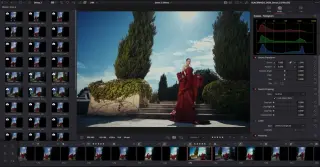
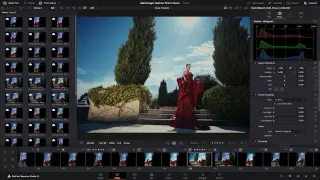
DaVinci Resolve 21 adds a dedicated photo mode for organizing, editing, and color-correcting stills, with AI-powered search and facial edits, plus RAW support from Sony, Canon, Nikon, and Fujifilm. It also brings imports from Apple Photos and Lightroom Catalogs, multi-user collaboration via Blackmagic Cloud, and GPU-accelerated batch exports, positioning Resolve as a Lightroom/Photoshop competitor and a potential draw away from Premiere for photo workflows.
Blackmagic Design unveils DaVinci Resolve 21 with a new Photo page that lets users import and manage RAW photos directly in Resolve, apply node-based color grading, preview changes across albums in real time, and tether cameras; it also adds AI facial editing (age, reshaping, blemish removal) plus upscaling and motion deblurring, and integrates Fusion/VFX workflows, with most features in the free version and selective AI tools only in the Studio ($295); collaboration via Blackmagic Cloud requires a subscription.
Adobe Max 2025 is scheduled for October 28-30 in Los Angeles, where Adobe is expected to announce major updates to Photoshop and Lightroom, likely featuring new AI-driven features, with keynotes and Sneak peeks revealing upcoming software innovations.
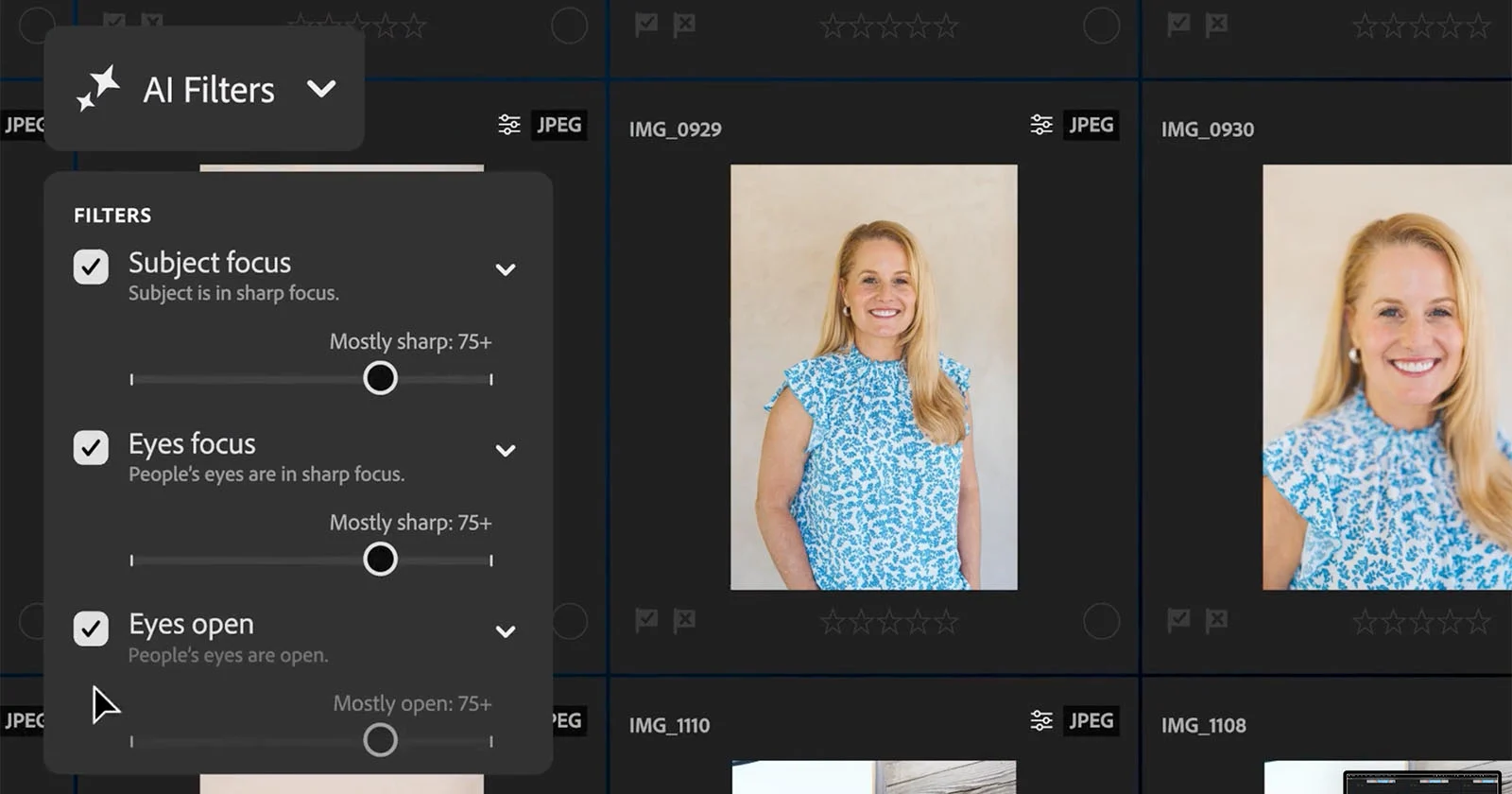
Adobe is enhancing its Creative Cloud apps with AI-powered features, including scene enhancement, reflection removal, distraction removal, and photo organization tools in Lightroom, along with improved text and background removal in Photoshop, aiming to streamline workflows for creators.
Adobe's latest update to Lightroom introduces a generative AI erase tool, simplifying the removal of distractions from photos without needing to switch to Photoshop. This new feature, available in Lightroom Classic 13.3 and Lightroom 7.3, allows users to efficiently remove unwanted elements by painting over them and selecting from AI-generated variations. While not flawless, it significantly enhances the workflow for handling larger objects and complex backgrounds.
Adobe is bringing its Firefly AI text-to-image tool and Lightroom photo editing software to the Apple Vision Pro as native apps, with Firefly being purpose-built for the headset's visionOS system, allowing users to place generated images onto real-world spaces. The Firefly app offers familiar interface and limited editing tools, while the AI model is designed to be commercially safe. The native Lightroom app features a cleaner, simplified interface and is designed for easier navigation with hand gestures. The Apple Vision Pro's historical focus on creatives, coupled with Adobe's embrace of Apple Silicon, could make the headset worth the investment for some creatives despite its high price tag.
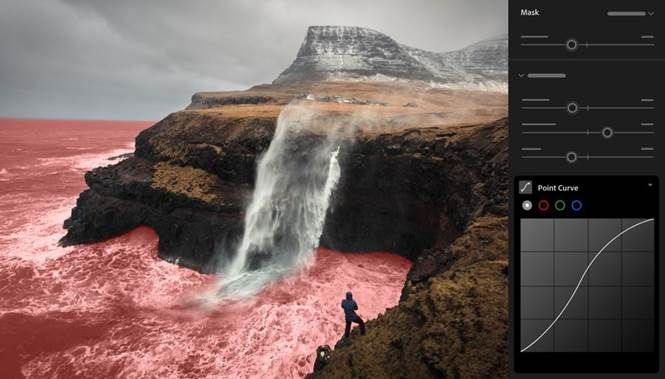
Photographer Christian Möhrle shares a comprehensive video tutorial with 70 tips and tricks for using Lightroom, including techniques for exposure adjustment, complex masking, color and luminance range masks, creating vignettes and polarization effects, and more, providing valuable insights for photographers looking to refine their editing skills.
Adobe has added RAW support for the Pixel 8 and 8 Pro in its editing apps, Lightroom and Photoshop. This update allows users to capture more data in their images, providing greater flexibility for editing. The support includes the front-facing camera, wide-angle lens, main sensor, and telephoto lens on the Pixel 8 Pro. To take advantage of this feature, users need to ensure their Adobe programs are fully updated.
This video tutorial discusses five easy ways to increase efficiency in Lightroom, including taking advantage of batch-editing capabilities, which can save significant amounts of time and increase consistency in post-processing. This is especially useful for event photographers who often have jobs that require the same basic edits applied to a large number of photos.
Lightroom's new Denoise AI feature is being compared to other popular denoise software such as Topaz Labs Denoise AI, DxO PureRaw 3, and ON1 NoNoise AI 2022. While these programs do more than just reduce noise, DxO PureRaw was found to have the best overall results. The question remains whether Adobe's implementation within Lightroom Classic can compete.
Adobe has released a major update for Lightroom, adding new AI-powered features such as denoise, adaptive presets, and masking. The update also includes curves in masking, additional AI mask categories for select people, and black and white video editing. Other updates include content credentials, additional travel presets, and the availability of masking features and adaptive presets on the web. The new features aim to make editing on Lightroom easier, faster, and more precise than ever.
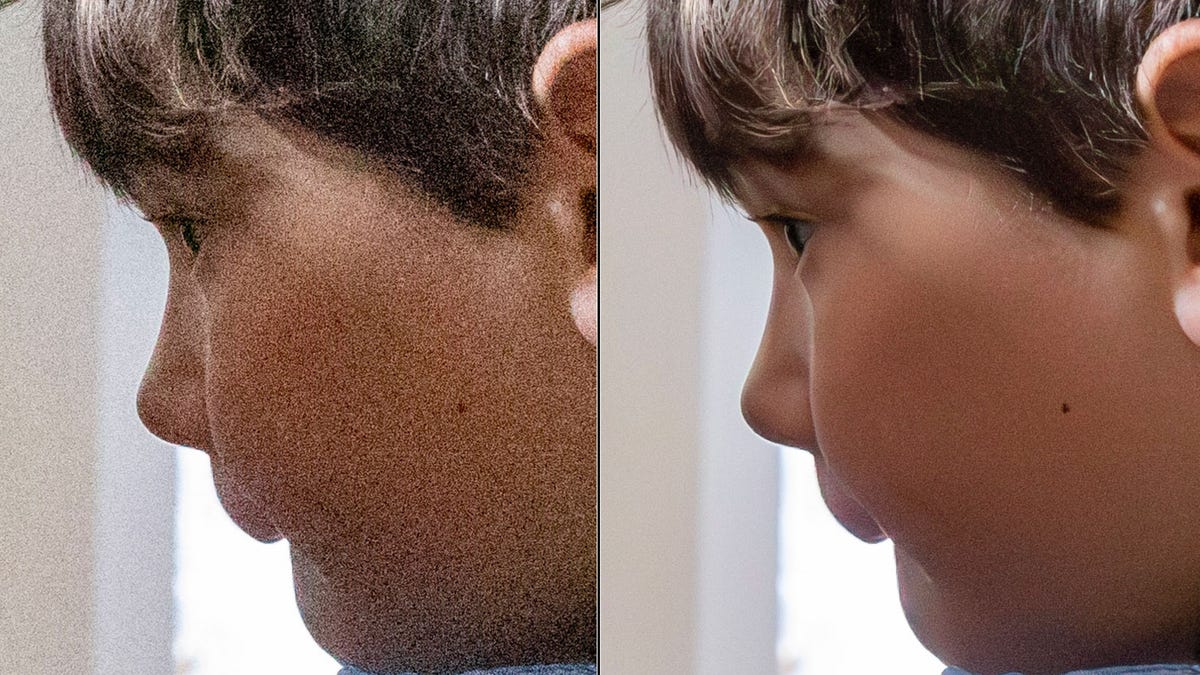
Adobe has introduced an AI-based denoise feature in its Lightroom software to tackle the problem of multicolored speckles of image noise in digital photos taken in dim conditions. The feature, which works only on raw images, uses pairs of millions of photos consisting of a low-noise original and a version with artificial noise added to train the AI model. While the feature is not perfect and has some limitations, it can be useful for photographers to shoot at high ISO and give them more latitude in editing. The update also includes other AI-powered tools for selective editing, adaptive presets, and content authenticity.
Adobe Camera Raw extension has expanded its list to include the Pixel 4a, 5a, and 6a, allowing owners to edit pictures taken in apps like Lightroom. However, camera matching profile and lens correction profiles are not available for the wider FOV lenses. To get support for the Pixel A-series cameras, users need Adobe Camera Raw version 15.3 as well as Lightroom 6.3 and/or Lightroom Classic 12.3.