Tag

Tech Tips

All articles tagged with #tech tips

Mac Users Can Manually Clear App Caches to Reclaim Storage or Fix Glitches
technology11 days ago

Mac Users Can Manually Clear App Caches to Reclaim Storage or Fix Glitches

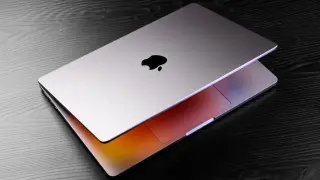
Engadget explains that Mac users can manually clear application caches to free up storage space or resolve display glitches, though this process does not inherently speed up the system. Caches are temporary files, such as image previews and downloaded content, that developers use to improve app launch times and user experience. While macOS manages these files automatically, there is no guarantee when this occurs, and unchecked caches can bloat storage or cause outdated content to appear. Users can clear caches for specific apps like Safari or Apple Music through their settings menus, or manually delete files for other applications by navigating to the hidden Library folder. The article advises against indiscriminately clearing caches, as this can temporarily slow down apps while they rebuild their data, and recommends only doing so if an app is misbehaving or consuming excessive space.


Five Habits to Avoid to Protect Your External SSD During the Memory Crisis
technology3 months ago

Five Habits to Avoid to Protect Your External SSD During the Memory Crisis

With external SSD prices rising due to a global memory crisis, users should adopt specific maintenance habits to extend drive life. Key practices include always safely ejecting drives, keeping usage below 85% capacity, avoiding defragmentation, ensuring proper ventilation to prevent overheating, and avoiding long-term cold storage without power.

Red Glow Explained: Night Mode Makes Your Galaxy Watch Ultra Readable in the Dark
technology4 months ago

Red Glow Explained: Night Mode Makes Your Galaxy Watch Ultra Readable in the Dark

Your Galaxy Watch Ultra’s red display isn’t a defect—it’s Night Mode automatically triggering in low light to boost readability. The red glow works only on the Ultra’s Simple Ultra and Ultra Analog faces and can auto-toggle with ambient light. To stop the red glow, customize the watch face and set Night mode to Off (or stay red by keeping Night mode On for a constant glow). This feature is exclusive to the Ultra model.

The 100% Charge Myth: How to Keep Your Phone Battery Healthier Longer
technology9 months ago

The 100% Charge Myth: How to Keep Your Phone Battery Healthier Longer

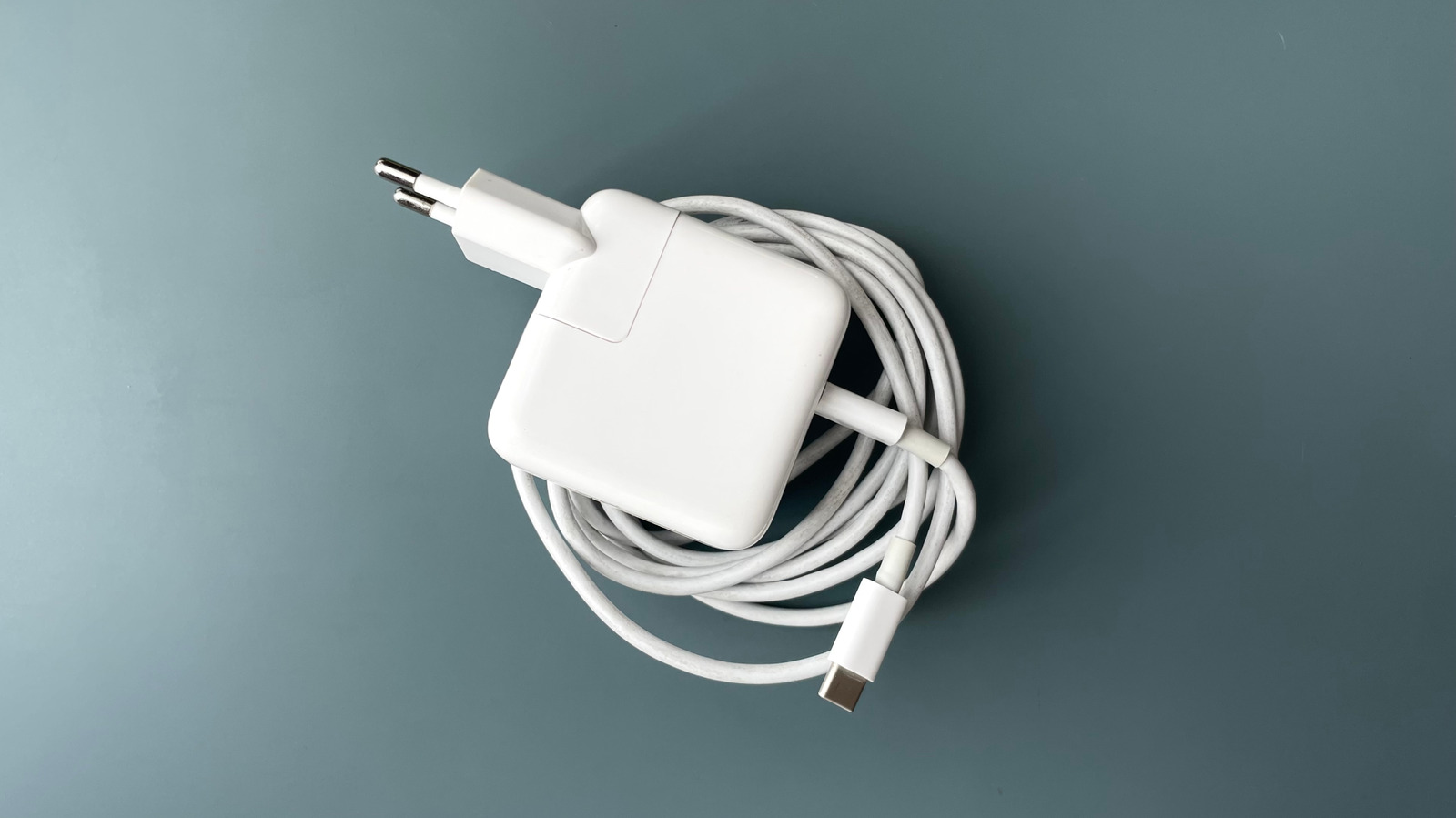
Charging to 100% overnight can slowly shorten battery life because it keeps the cell at high voltage, but the impact is gradual and modern phones are durable. For best longevity, aim for about 20–80% charge, avoid excessive heat, and prefer slower chargers; don’t regularly let the battery drop to 0%. Check battery health and replace the battery if it falls below around 80%, and you can charge to 100% when you need longer usage for travel or important days.

Affordable Storage Upgrades for Nintendo Switch 2
technology1 year ago

Affordable Storage Upgrades for Nintendo Switch 2

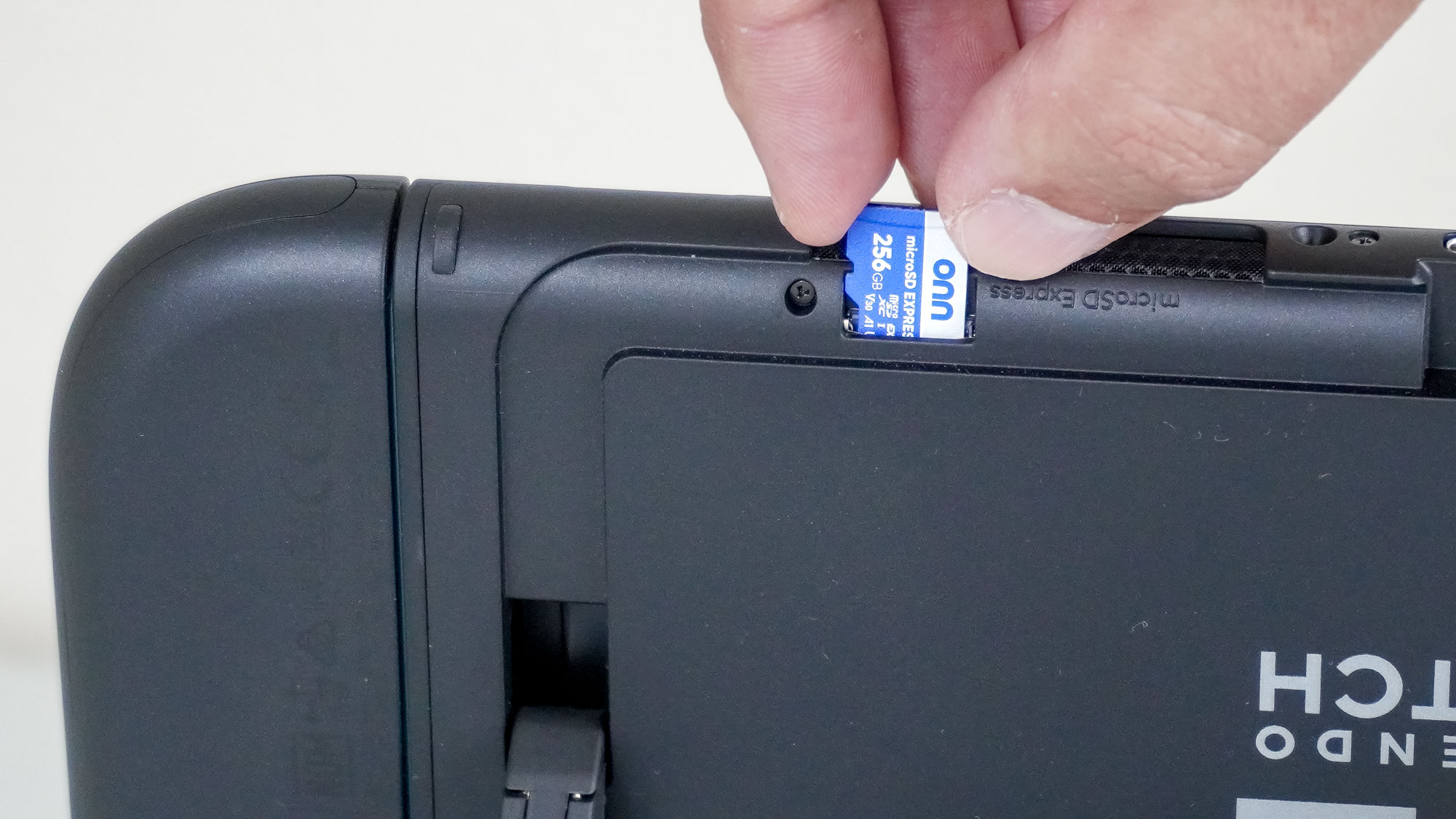
The Nintendo Switch 2 offers a significant 700% increase in built-in storage to 256GB, but avid gamers with large libraries still find it insufficient, prompting them to buy affordable microSD Express cards like Onn's 256GB model for additional storage. These cards provide faster load times and are easy to install, making it practical to expand storage for larger game libraries, especially with the increasing size of modern games.

Get Ready for Spotify Wrapped 2024: Update Your App for a Smooth Recap
technology2 years ago

Get Ready for Spotify Wrapped 2024: Update Your App for a Smooth Recap

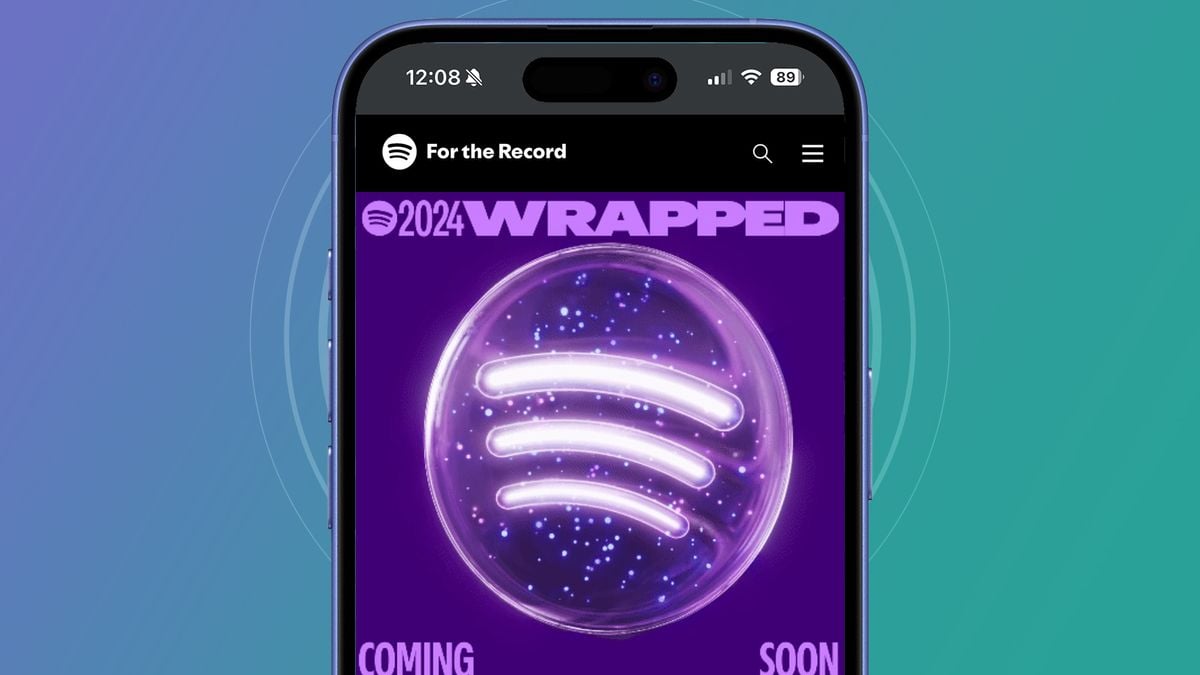
Spotify Wrapped 2024 is expected to be released soon, likely around December 4, but users should ensure their app is updated to the latest version to receive it on time. Last year's Wrapped faced server issues, so updating the app and having troubleshooting tips ready, like reinstalling the app or using the Spotify mobile website, can help ensure a smooth experience.

Successfully Uninstalling Microsoft Edge: A Personal Journey
technology2 years ago

Successfully Uninstalling Microsoft Edge: A Personal Journey

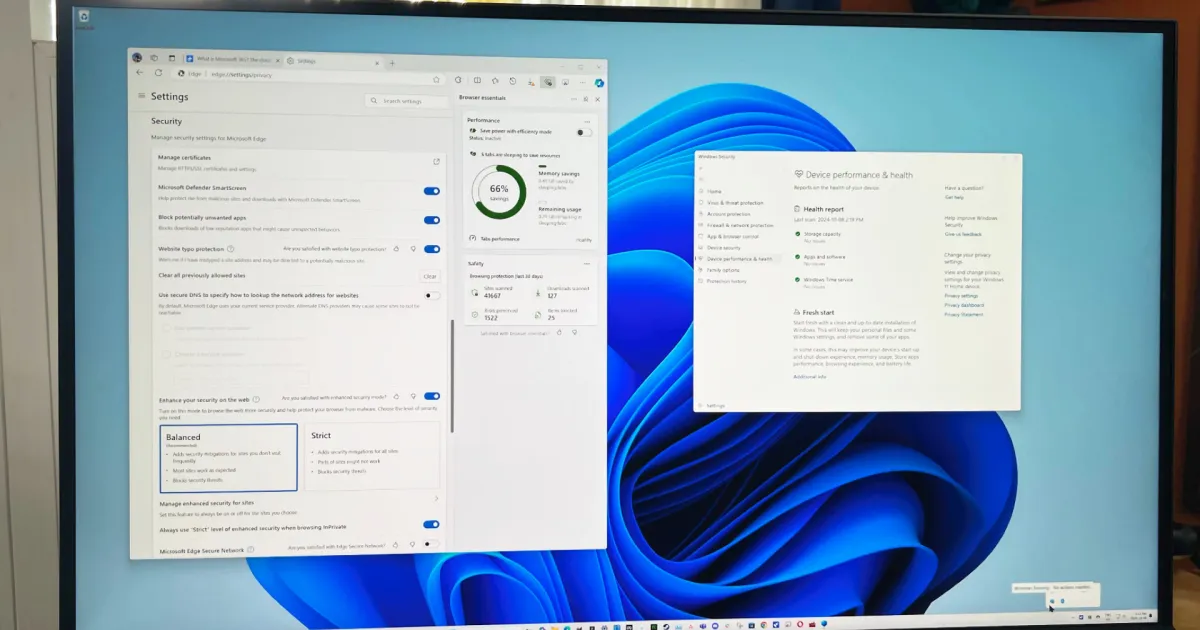
The article discusses the challenges of removing Microsoft Edge from Windows PCs and introduces MSEdgeRedirect, a tool that redirects Edge functions to a user's preferred browser and search engine. While uninstalling Edge can disable certain Windows features, MSEdgeRedirect allows users to maintain functionality while using alternative services like Google instead of Bing. The tool offers customization for services like search and weather, enhancing user control over Windows interactions.