A Tom’s Guide hands-on piece shows how the ThreadPort Chrome extension lets users move full chat transcripts between ChatGPT, Claude, and Gemini, preserving context and enabling seamless cross‑AI collaboration with just a few clicks.
OpenAI announced a major update to ChatGPT that deepens browser integration via a Chrome extension and the desktop app. The new Side Chat lets users ask questions about the page they’re viewing, reference open tabs, and highlight text, while the desktop app can suggest URLs as you type and revisit browser history. The features mirror Gemini’s Chrome experience, and OpenAI also notes the sunset of ChatGPT Atlas. The article also provides prompts to explore these capabilities, such as summarizing YouTube videos, turning pages into notes, fact-checking, finding key information, and organizing open tabs for efficient research.
OpenAI will deprecate Atlas on August 9, but the browser isn’t dead—it’s being folded into a redesigned ChatGPT desktop app and an updated Chrome extension as part of a broader “super app” that pairs ChatGPT with Codex and ChatGPT Work. The shift treats browsing as a feature, not a standalone destination, with new capabilities like Sites that can generate personal web apps and an integrated browsing experience across OpenAI’s products rather than maintaining Atlas as a separate browser.
With OpenAI ending ChatGPT Atlas, Mac users now have several AI-powered browsing options: a ChatGPT Chrome extension that works in Chromium-based browsers, Perplexity’s Comet, Dia from The Browser Company, Opera Neon, Aside for macOS, and even Safari paired with AI tools like Codex; the piece recommends trying a few to see what’s possible today and notes that OpenAI is moving AI-assisted features into the upcoming ChatGPT desktop app rather than maintaining Atlas.
Security researchers found over 100 malicious Chrome Web Store extensions from five publishers that steal Google OAuth2 Bearer tokens, harvest account data, hijack Telegram Web sessions, and run backdoors via a centralized C2; the campaign, likely a Russian MaaS operation, remains active in the store, and Google has been notified—users should uninstall any matching extensions.
Researchers uncovered a campaign of 108 Chrome extensions that funnel user data to a shared command-and-control backend, stealing Google account credentials via OAuth2, exfiltrating Telegram sessions, stripping security headers, and injecting ads and arbitrary scripts across every page you visit, in a campaign affecting roughly 20,000 installs. The extensions masqueraded as Telegram clients, gaming tools, and video enhancers, making the backdoor hard to spot; users should remove these extensions and log out of Telegram Web immediately.
Google disabled and removed the Chrome extension 'Save image as Type?' after reports it contained malware that hijacked affiliate codes via hidden iframes, affecting more than a million users.
Honey, a PayPal-owned Chrome extension, has lost 8 million users over the past year due to revelations of shady practices, including breaking affiliate rules and potentially committing fraud by manipulating sales credits and hiding coupons, leading to regulatory scrutiny and user distrust.
A Chrome extension called AI2AI replaces AI-related LinkedIn posts with interesting facts about basketball legend Allen Iverson, providing users a humorous break from the AI hype on social media.
A security firm uncovered that the Urban VPN Proxy Chrome extension, with over six million users, secretly intercepts and sells users' AI chat conversations, including sensitive data, to third parties, despite its claims of privacy. Users are advised to uninstall such extensions and review privacy policies to protect their data.
A popular Chrome extension called Urban VPN Proxy, with 6 million users, was found secretly collecting and exfiltrating users' AI chat prompts and responses to remote servers, despite claiming to provide VPN services and offering a privacy protection feature. The extension's update in July 2025 enabled default data harvesting, which is hidden from users, raising significant privacy concerns. Similar data collection practices were identified in other extensions from the same publisher, highlighting risks associated with trusted marketplace badges and the need for better oversight.
Perplexity Comet is an AI-powered web browser designed to automate tasks and enhance workflow with an AI assistant in a sidebar, capable of analyzing content and referencing open tabs. While promising, it currently faces limitations in speed, compatibility, and integration with Google services, and is available only on M1 Macs for now, with plans for Windows and Linux support. Despite some bugs and privacy concerns, it shows potential for transforming browsing and productivity, but still needs development.
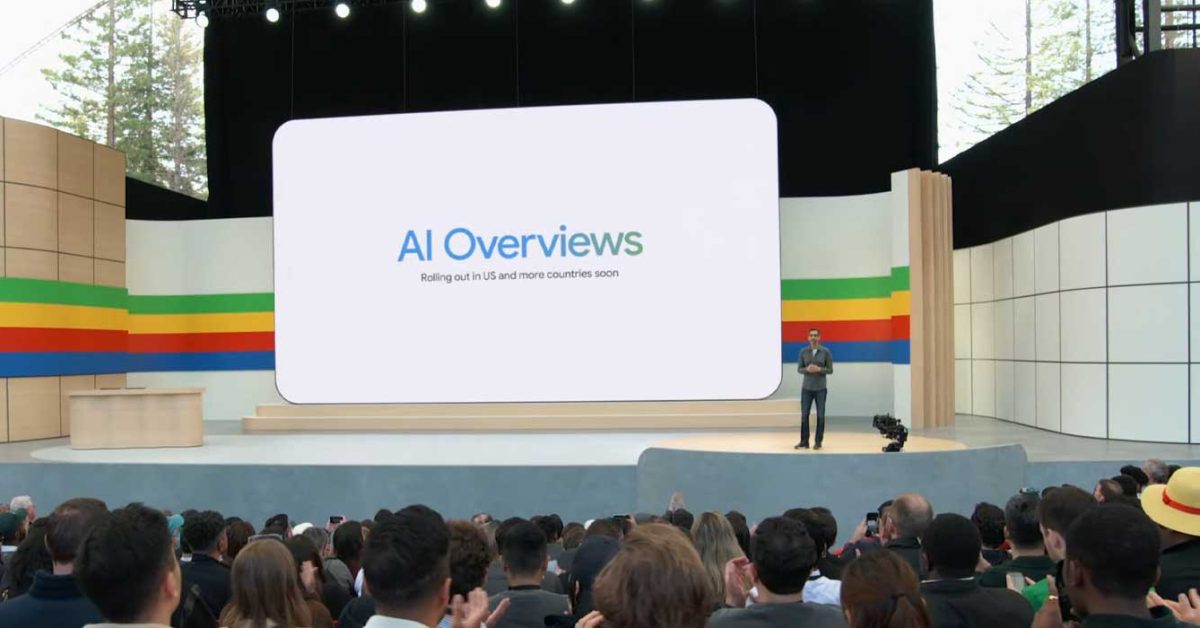
Google Search's new AI Overviews feature cannot be turned off, but users can avoid it by using the "Web" filter, scrolling past the overview, appending "udm=14" to the search URL, or using browser settings and extensions like "Bye Bye, Google AI" to disable it.
An article explores the author's experience using ChatGPT, an AI coding assistance tool, to implement a real-world software project called Swift Papers. The author wanted to test how well AI could help with end-to-end programming tasks. They used ChatGPT to guide them through design and implementation, including setting up a Chrome extension, learning about different JavaScript files, and choosing a date parsing library. The article highlights the benefits of personalized tutorials generated by ChatGPT and the challenges faced with manifest.json and library choices.
Apple has updated its iCloud Passwords Chrome extension for macOS Sonoma, allowing Mac Chrome users to directly access and use their iCloud passwords without needing to open Safari or switch to another password manager. The extension also supports AutoFill, saving new passwords, and setting up code generators. While it works with other Chromium-based browsers, such as Arc and Microsoft Edge, the AutoFill feature will be added to the latter at a later time. However, the extension does not currently support passkeys, which are supported in iOS 17 and macOS Sonoma. To use the new feature, users need to install the macOS Sonoma public beta, but should be aware of potential bugs.