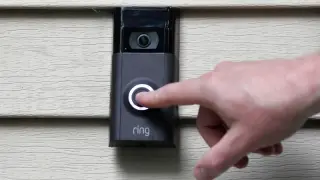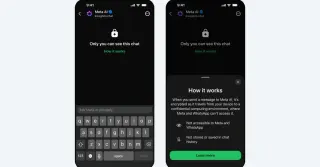
Ring’s TAKE encryption goes default, offering privacy with cloud features but limiting police access
Ring will make its TAKE encryption standard on all Ring cameras. TAKE uses unique, rotating encryption keys stored in an AWS Nitro Enclave, with keys deleted after 24 hours, allowing Ring to provide non-video data and encrypted video only in response to legal requests. Cloud-based features like smart alerts, video descriptions, and video search will still rely on cloud processing; TAKE is not end-to-end encryption. While it improves privacy and control for users, it requires trust in Ring and Amazon and does not eliminate government access under lawful processes.