Tag

Google Account

All articles tagged with #google account

Google's selfie sign-in: a quick setup for account recovery
technology24 days ago

Google's selfie sign-in: a quick setup for account recovery

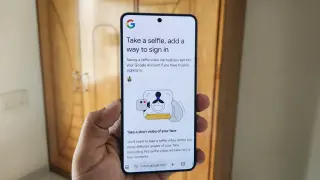
Android Authority walks through Google's self-contained selfie sign-in feature, which lets you recover a locked Google account with a short selfie video that includes liveness checks to prevent spoofing. Setup is quick (via the Google app: Security and sign-in > Selfie video, or g.co/signin-selfie) and isn’t available for Workspace, child accounts, or Advanced Protection. You can delete the video or opt out of data-use improvements, but doing so disables selfie sign-in and Gemini avatars. While privacy concerns remain, the author now sees it as a useful, convenient addition to account security.
Google Rolls Out Selfie-Video Sign-In for Google Accounts
technology1 month ago

Google Rolls Out Selfie-Video Sign-In for Google Accounts

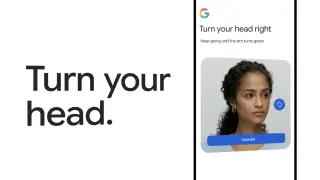
Google now lets users sign into Google accounts using a selfie video as a biometric login option. Set up via My Account > Security & sign-in, and you can complete the process with a computer camera or a phone through a QR code. The system asks you to move your head during verification to prevent impersonation, and your selfie video is stored in encrypted form for future logins with the option to delete it later. The feature is not yet available for Workspace accounts, child accounts, or those enrolled in Google's Advanced Protection Program.

Unmasked: 108 Chrome Extensions Leak Google and Telegram Data
technology4 months ago

Unmasked: 108 Chrome Extensions Leak Google and Telegram Data

Security researchers found 108 Chrome extensions (published by five developers but controlled by a single operator) that steal Google account data and Telegram messages, with about 20,000 installations. The extensions can backdoor URLs, inject HTML, and exfiltrate Telegram Web sessions every 15 seconds, while some also capture Google sign‑in credentials and translate tools that reveal user emails. Users should audit installed extensions, log out of Telegram Web sessions, review third‑party app permissions, and avoid dubious extension listings.

Batch of 108 Chrome extensions steals Google and Telegram data from about 20,000 users
technology4 months ago

Batch of 108 Chrome extensions steals Google and Telegram data from about 20,000 users

Researchers uncovered a campaign of 108 Chrome extensions that funnel user data to a shared command-and-control backend, stealing Google account credentials via OAuth2, exfiltrating Telegram sessions, stripping security headers, and injecting ads and arbitrary scripts across every page you visit, in a campaign affecting roughly 20,000 installs. The extensions masqueraded as Telegram clients, gaming tools, and video enhancers, making the backdoor hard to spot; users should remove these extensions and log out of Telegram Web immediately.

Gmail Gets a Fresh Start: Change Your Username Without Losing Your Data
apps-and-software4 months ago

Gmail Gets a Fresh Start: Change Your Username Without Losing Your Data

Google is rolling out a feature that lets you change your Gmail username (the part before @gmail.com) without resetting your account data. Your old address remains available as an alias, and all data stays intact, with the option to switch back. Availability is currently limited to the US and India, and you can change your username only once per year (up to four usernames total per account, since you can change it three times after the original). Chromebook users may need to remove and re-add their Google account, and you may need to sign back into some apps after the change.

Google opens option to change Gmail address, with old one kept as alias
technology7 months ago

Google opens option to change Gmail address, with old one kept as alias

Google is gradually rolling out a feature that lets you change your @gmail.com address; the old address becomes an alias, so emails go to both addresses and your data stays intact, and you can switch back later. The new address can’t be deleted, and only a limited number of new aliases can be created per year (12-month limit). Access the option at myaccount.google.com/google-account-email, noting it may not be available for all accounts yet.

Google Account 'Device Pairing' Feature Now Available for Messages on Web
technology2 years ago

Google Account 'Device Pairing' Feature Now Available for Messages on Web

Google Messages is rolling out a new feature called "Device pairing" that replaces QR codes for signing in to the web version of the messaging app. Users can now sign in using their Google Account and continue conversations across multiple devices. The updated feature also includes a new navigation drawer and allows for simultaneous pairing with a tablet. The rollout is currently limited to certain devices running the latest beta release.

Google Chrome Material You redesign: How to Disable and Get Rid of It
technology2 years ago

Google Chrome Material You redesign: How to Disable and Get Rid of It

Google Chrome is rolling out a Material You redesign for its desktop version, introducing rounded corners, taller tab strips, and address bars. The lock icon in the Omnibox has been replaced with a new icon that provides site controls and information. The redesign also includes outline-style icons for improved legibility, reordered menu items, and a sub-menu for signed-in Google Accounts. Color palettes have been updated to better complement tabs and toolbars, and users can customize Chrome's appearance on the New Tab Page. The redesign is currently available on Mac, Windows, and Linux, with ChromeOS rollout expected soon.

Google Messages for Web Introduces Enhanced Account Pairing with Emoji Authentication
technology2 years ago

Google Messages for Web Introduces Enhanced Account Pairing with Emoji Authentication

Google Messages is rolling out a new feature called "Device pairing" that replaces QR codes for signing in to the web version of the messaging app. Users are prompted to confirm their Google Account and match an emoji displayed on their phone to complete the pairing process. The updated UI includes a navigation drawer and specifically names the Android device in use. The new feature is currently available on one device running the latest beta release.

"Google Passkeys: The Future of Account Security and Password-Free Access"
technology2 years ago

"Google Passkeys: The Future of Account Security and Password-Free Access"

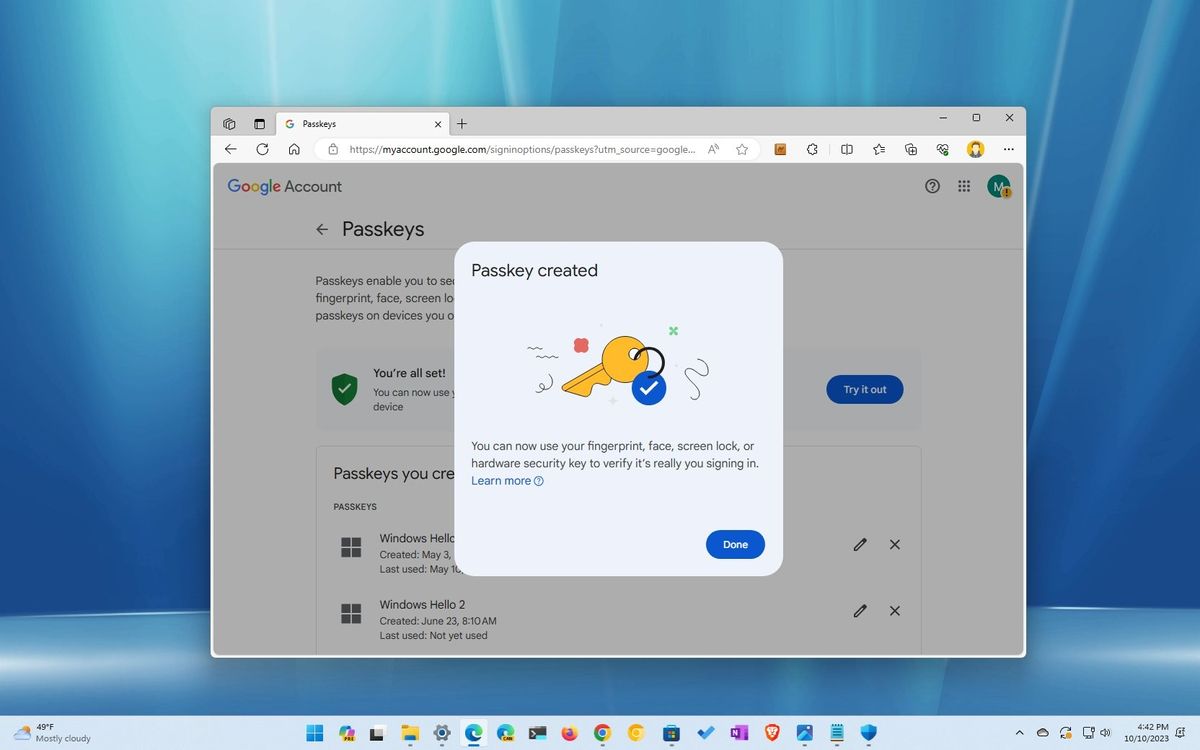
Windows 11 now allows users to create passkeys for signing in to apps and services, including Google accounts, without using a password. This feature, integrated with Windows Hello, provides a more secure and convenient way to access accounts and makes it harder for malicious individuals to steal credentials. Users can generate and save a passkey for their Google account through the Chrome or Edge browser, and can delete the passkey from Windows 11 settings if needed.

"Google's Pixel Watch 1.4 Update Enhances Account Linking and UI"
technology3 years ago

"Google's Pixel Watch 1.4 Update Enhances Account Linking and UI"

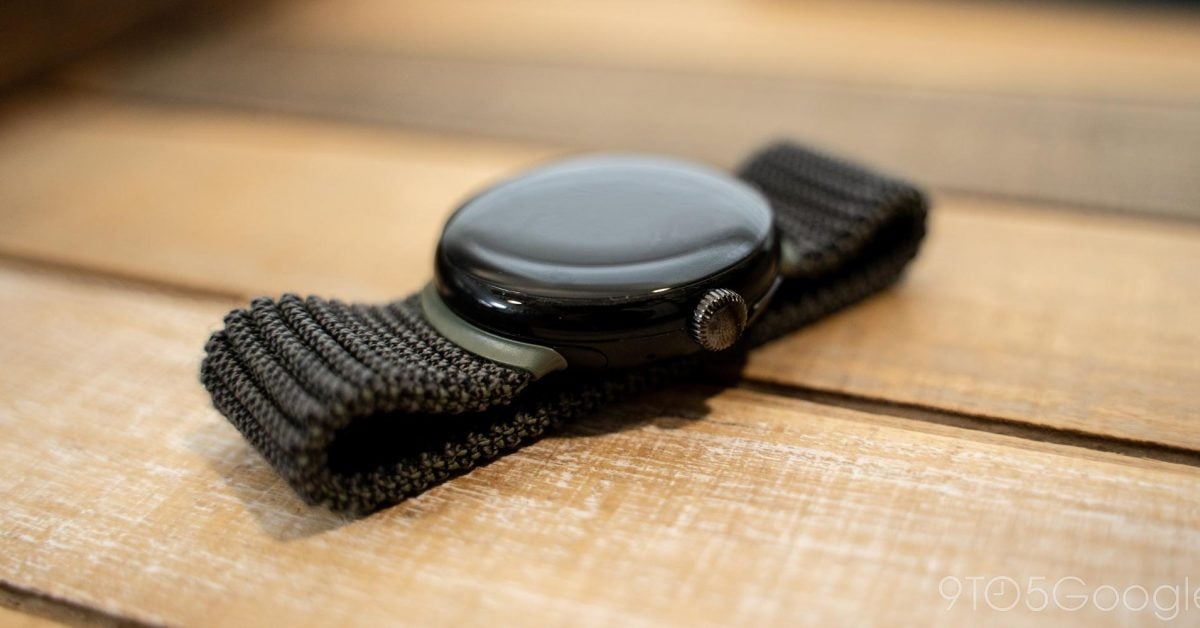
The Pixel Watch app version 1.4 brings minor visual changes and the ability to link your Google Account. The update prompts users to sign in to Google and link their watch to access all settings. However, no additional Pixel Watch preferences are available yet, as the watch transfer feature tied to Wear OS 4 is not yet implemented. The update also includes UI changes, such as the account avatar appearing in the top-right corner and a new watch switcher design. Work on syncing Do Not Disturb and Bedtime Mode across devices is ongoing.

Google Authenticator introduces cloud syncing for 2FA codes.
technology3 years ago

Google Authenticator introduces cloud syncing for 2FA codes.

Google Authenticator now syncs one-time two-factor authentication codes to users' Google Accounts, making it easier to sign in to apps and websites on new devices. Users can also manually transfer their codes to another device. Christiaan Brand, a group product manager at Google, assures users that the new feature is convenient without sacrificing security. However, if users are wary of syncing their codes with Google's cloud, there are alternative 2FA apps available such as Authy and Duo.