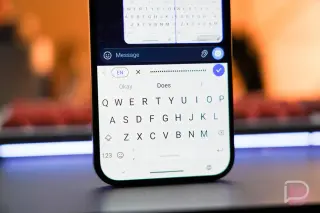
SwiftKey Beta Adds Rambler-like AI Voice on Android
SwiftKey Beta for Android gains an AI Voice typing feature that mirrors Google Pixel 11’s Rambler by cleaning up long dictations and waiting until you finish speaking to process, but it lacks Rambler’s in-voice editing, emoji additions, or word-by-word live display, and isn’t as instant; it currently works on Pixel 11 and some non-Pixel devices like Galaxy Z Fold 8 via Google Play.