Tag

Secure Boot

All articles tagged with #secure boot

Countdown to Secure Boot: What If You Miss the June 2026 Certificate Update on Windows 11
technology1 day ago

Countdown to Secure Boot: What If You Miss the June 2026 Certificate Update on Windows 11

Microsoft explains that the original Secure Boot certificates (2011) expire in June 2026 and will be replaced by 2023 certificates through a phased CFR/LCU rollout. Legacy BIOS devices won’t be updated, and Secure Boot must be enabled; the process may involve several reboots and resealing BitLocker keys. If you ignore the deadline, Windows will boot but security will be degraded because boot-critical updates and DBX revocation lists won’t be applied, potentially blocking future OS upgrades that rely on the 2023 chain. Enterprises should test deployments, monitor Secure Boot status in Windows Security, and plan PXE/boot-manager changes accordingly. Servers require manual intervention, and the 2023 certs are projected to last until 2038 with further shifts toward post-quantum certificates later on.

Legacy Secure Boot certificates set to expire, risking future boot security updates
technology2 days ago

Legacy Secure Boot certificates set to expire, risking future boot security updates

Microsoft’s 2011-era Secure Boot certificates expire in 2026 (June 24 for KEK CA 2011, June 27 for UEFI CA 2011, October 19 for Windows Production PCA 2011). After June 24, devices will still boot but won’t receive new boot-level security updates or patches for boot vulnerabilities unless they’re on updated builds via the 2023 certificate rollout (KB5089549). Some older hardware may require OEM firmware updates to align with the new chain. Check KB5062710 for status and ensure the latest Windows updates are installed; Windows 10 users outside the Extended Security Updates program may have limited remediation paths.”,

technology4 days ago

Windows 11 update blackout traced to January preview, rollback advised

A Windows 11 bug from the January Preview Update has blocked all updates since February for some devices, preventing monthly security patches and Secure Boot certificate updates. Affected systems show update attempts failing with error 0x80010002 due to download timeouts and firewall rules. Microsoft recommends a Known-Issue Rollback (KB5083806 for 26H1 and KB5083631 for 24H2/25H2/Server 2025) to revert the faulty update; IT admins can apply KIR, and home users can try removing the January preview update. With Secure Boot certificates expiring in June, the rollback should be applied promptly to restore updates and security fixes.

Preparing Windows for the June 2026 Secure Boot Certificate Update
technology23 days ago

Preparing Windows for the June 2026 Secure Boot Certificate Update

Secure Boot certificates expire in June 2026. Check if your PC already has updated certificates with a PowerShell check, then install any pending Windows updates and OEM firmware updates. If firmware updates aren’t available, use Microsoft’s registry-based workaround and reboot as directed. Windows 10 users may need Extended Security Updates to receive the update.

Windows 11 April 2026 patch may trigger BitLocker recovery at boot, with fixes available
technology1 month ago

Windows 11 April 2026 patch may trigger BitLocker recovery at boot, with fixes available

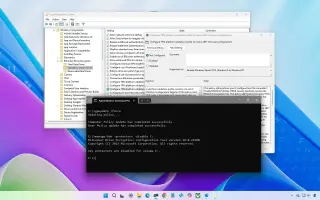
Microsoft’s April 2026 Windows 11 security update KB5083769 can cause a BitLocker recovery prompt on first restart for a small subset of devices with a specific TPM/PCR7/Secure Boot configuration. It is not widespread. If you hit it, enter the BitLocker recovery key to boot, then undo the “unrecommended” TPM validation by setting the policy Configure TPM platform validation profile for native UEFI firmware configurations to Not Configured and running gpupdate /force; you can also temporarily disable and re-enable BitLocker on the OS drive to rebind to the default PCR profile. Enterprises can use Known Issue Rollback if needed. Future restarts should proceed normally after the recovery.

Windows 11 Secure Boot 2023 certificates rollout: how to check yours
technology3 months ago

Windows 11 Secure Boot 2023 certificates rollout: how to check yours

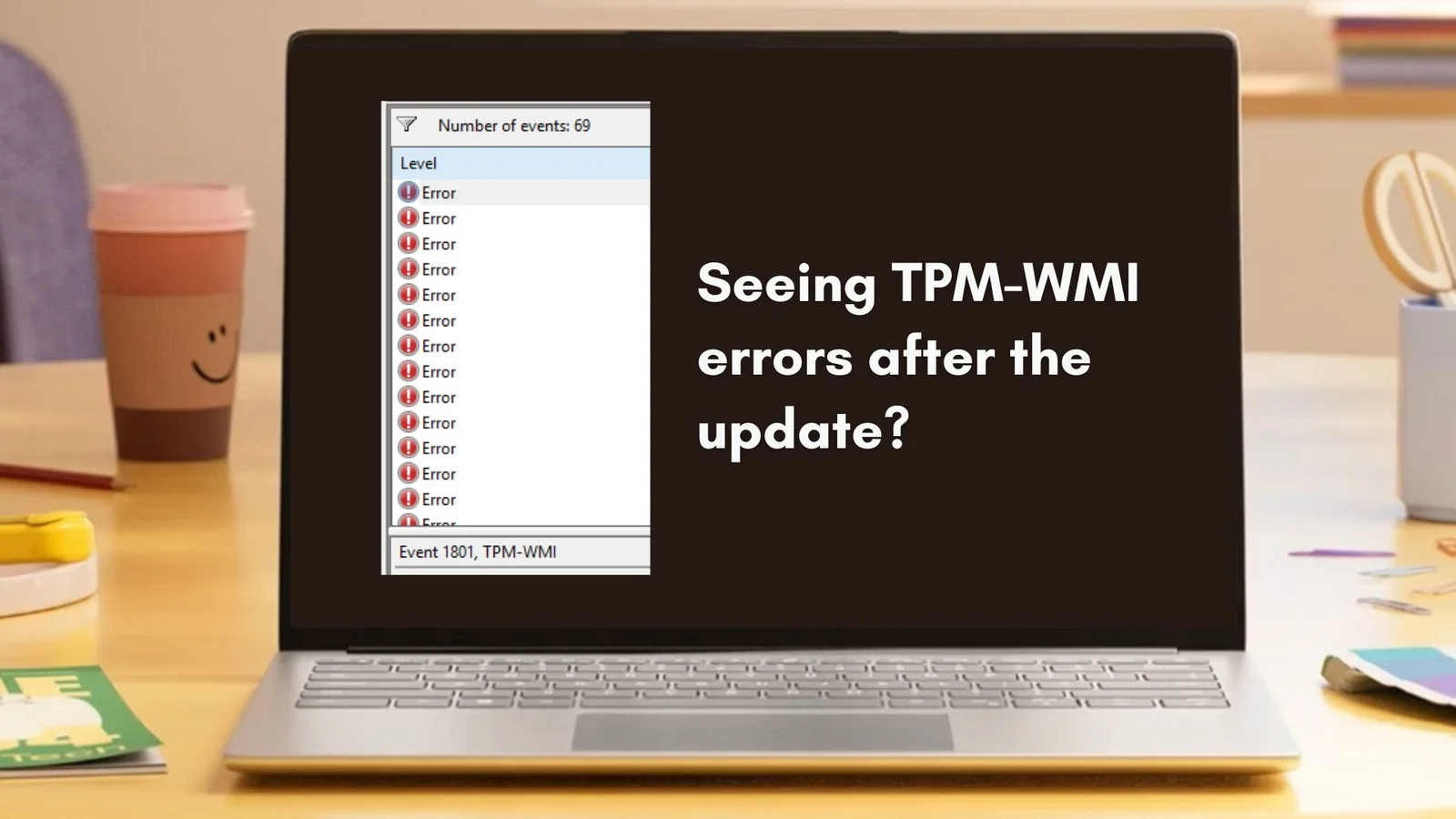
Microsoft is rolling out the Windows UEFI CA 2023 Secure Boot certificates to Windows 11 in a phased update (KB5077181). You may see TPM-WMI 1801 logs as the change is staged. To verify, open PowerShell as admin and run: 【System.Text.Encoding】::ASCII.GetString((Get-SecureBootUEFI db).bytes) -match 'Windows UEFI CA 2023'. True means the certificate is present; False means delivery is pending. In Event Viewer, filter System logs for TPM-WMI and look for Event IDs 1808 (certificate applied) and 1034 (Dbx updated). BIOS/firmware updates aren’t required unless your OEM instructs them; these logs are normal staging information during the rollout.

Windows 10 ESU Jan 2026 Update Ditches Old Modem Drivers and Refreshes Secure Boot Certs
technology4 months ago

Windows 10 ESU Jan 2026 Update Ditches Old Modem Drivers and Refreshes Secure Boot Certs

The January 2026 Windows 10 ESU release KB5073724 (Build 19045.6809) arrives for ESU subscribers, removing legacy modem drivers (agrsm64.sys/agrsm.sys and smserl64.sys/smserial.sys) which may affect older modems, while adding new Secure Boot certificates and a WinSqlite3.dll security fix. Most users won’t notice changes, but some legacy modems could stop working after the update. The patch bundles security fixes (roughly 112–114 vulnerabilities, including 3 zero-days, with 57 Elevation of Privilege and other categories) and ESU updates run through October 2026. Downloads are via Settings > Windows Update or the Microsoft Update Catalog for Windows 10 Version 22H2 on x64/ARM-64 with ESU,

Windows 11 January 2026 update fixes NPU battery drain and tightens Secure Boot rollout
technology4 months ago

Windows 11 January 2026 update fixes NPU battery drain and tightens Secure Boot rollout

Microsoft’s January 2026 Patch Tuesday for Windows 11 (KB5074109) is rolling out for 24H2/25H2, fixing a power issue where Neural Processing Units could stay on idle and enabling a phased rollout of new Secure Boot certificates. The update also addresses networking fixes in WSL, Azure Virtual Desktop RemoteApp issues, removes certain modem drivers, and updates WinSqlite3.dll.

Microsoft Patches 114 Flaws in January 2026 Update, One Exploited in the Wild
technology4 months ago

Microsoft Patches 114 Flaws in January 2026 Update, One Exploited in the Wild

Microsoft released its January 2026 security update, fixing 114 vulnerabilities (8 critical; 106 important), including one actively exploited in the wild: CVE-2026-20805 in Desktop Window Manager that could disclose memory details via ALPC. CISA has added this to KEV with a February 3 patch deadline for federal agencies. Other notable fixes include a Secure Boot certificate-expiration bypass (CVE-2026-21265), removal of vulnerable Agere modem drivers tied to older CVEs, and a critical VBS Enclave privilege-escalation (CVE-2026-20876). Edge and other vendor patches accompany the update.

security4 months ago

January Patch Tuesday hits with 113 fixes, including an actively exploited DWM zero-day

Microsoft’s January Patch Tuesday rolls out updates for at least 113 vulnerabilities across Windows and supported software, eight rated critical. The standout is CVE-2026-20805 in Desktop Window Manager, which is already being exploited in the wild and can be chained with other flaws. Office remote-code execution bugs CVE-2026-20952/20953 are fixed, while legacy Agere modem drivers agrsm64.sys/agrsm.sys were removed due to exploit activity linked to CVE-2023-31096. A separate critical CVE-2026-21265 exposes a Secure Boot bypass tied to expired root certificates, requiring careful BIOS/bootloader updates. Firefox/Firefox ESR patched 34 flaws including CVE-2026-0891/0892, and Chrome WebView CVE-2026-0628 was fixed; Edge/Chrome updates are expected. Per-patch guidance from SANS ISC emphasizes timely patching and checking for install issues.

Windows 11 auto-replaces expiring Secure Boot certificates to preserve boot integrity
security4 months ago

Windows 11 auto-replaces expiring Secure Boot certificates to preserve boot integrity

Microsoft is automatically updating expiring Secure Boot certificates on eligible Windows 11 24H2/25H2 devices via quality updates, with a phased rollout to high-confidence machines; admins can also deploy certificates manually via registry, WinCS, or Group Policy. To avoid boot issues, devices must receive the updates before the June 2026 expiry, or risk losing Windows Boot Manager and Secure Boot protections; administrators should inventory devices, verify Secure Boot status, update firmware, then apply the certificate updates.

Windows 10 security-only KB5073724 update patches three zero-days and Secure Boot certs
technology4 months ago

Windows 10 security-only KB5073724 update patches three zero-days and Secure Boot certs

Microsoft released the Windows 10 KB5073724 security update, addressing 114 vulnerabilities including three zero-days, and updating Secure Boot certificates. The update also removes certain Agere modem drivers and includes a WinSqlite3.dll fix. It targets devices in the ESU program or LTSC and does not add new features, raising builds to 19045.6809 (19044.6809 for LTSC 2021). Note that affected modem hardware will stop working due to removed drivers; Microsoft reports no known issues at this time.

technology7 months ago

Why I Recommend Switching to Linux Instead of Upgrading to Windows 11

The article argues that Windows 11's requirements like TPM and Secure Boot are not as restrictive as they seem and can promote security and user choice, but also highlights concerns about potential misuse for surveillance and platform lock-in. The author recommends promoting Linux to customers as a more open and flexible alternative, emphasizing ease of use, software availability, and control over privacy.

How to Free Upgradе Your Incompatible Windows 10 PC to Windows 11
technology7 months ago

How to Free Upgradе Your Incompatible Windows 10 PC to Windows 11

Many Windows 10 PCs that are flagged as incompatible with Windows 11 may actually be upgradeable by enabling Secure Boot and TPM in the BIOS, with simple tweaks and checks using Microsoft's PC Health Check app. If your hardware supports UEFI and Secure Boot, and you can enable TPM, you can often upgrade to Windows 11 for free, even if initial notifications suggest otherwise.