Tag

Browser Extension

All articles tagged with #browser extension

Knockoff: Local, Open-Source Extension Filters Fake Amazon Brands
technology1 day ago

Knockoff: Local, Open-Source Extension Filters Fake Amazon Brands

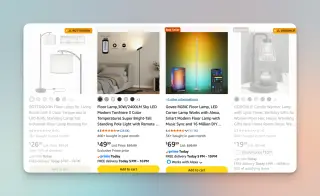
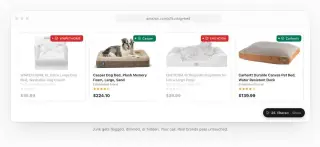
A new browser extension called Knockoff helps Amazon shoppers avoid fake, mass-produced brands by flagging or hiding suspect listings. It runs locally in Firefox, Chrome, and other Chromium-based browsers, requires no account, and is open-source with code on GitHub. Users can adjust badges and report misclassifications to improve accuracy over time. While effective in filtering out many knockoffs, it may also mislabel legitimate brands and does not assess product quality, so buyers should still scrutinize listings themselves.

Knockoff Extension Filters Out No-Name Brands on Amazon
technology2 days ago

Knockoff Extension Filters Out No-Name Brands on Amazon

A Chrome and Firefox extension called Knockoff cross-references Amazon listings against a 5,000-brand registry to gray out or hide shady, unbranded items. It offers Relaxed, Standard, and Strict modes, plus allowlists and blocklists, and runs locally without logging in or tracking. The article notes not all unknown brands are bad (Xteink is given as an example) and advises readers to check reviews, seller profiles, price history, and specs even when items are filtered.

Knockoff: Free on-device filter to hide knockoff brands on Amazon
technology3 days ago

Knockoff: Free on-device filter to hide knockoff brands on Amazon

Amazon’s shopping feed is cluttered by sponsored ads and low-quality, white-label brands. Knockoff, a free open-source browser extension for Chrome and Firefox, filters listings on-device by cross-referencing a ~5,000-brand database and applying linguistic heuristics, allowing you to dim, label, or hide pseudo-brand items and even scrub ad carousels, with three filtering levels and no user accounts or trackers.

New Extension Filters Out Sketchy Brands From Amazon Search Results
technology3 days ago

New Extension Filters Out Sketchy Brands From Amazon Search Results

A Chrome/Firefox extension called Knockoff automatically hides, dims, or filters products from sketchy brands on Amazon and lets users curate blocked brands locally, with no data sent to servers. The list of blocked brands is community-driven and user-editable, and the extension even allows reporting misflagged items. The tool underscores how common shady brands are in Amazon searches and ties into broader criticisms of the platform’s marketplace and ad-driven visibility.

1Password adds phishing-warning guard to its browser extension
tech5 months ago

1Password adds phishing-warning guard to its browser extension

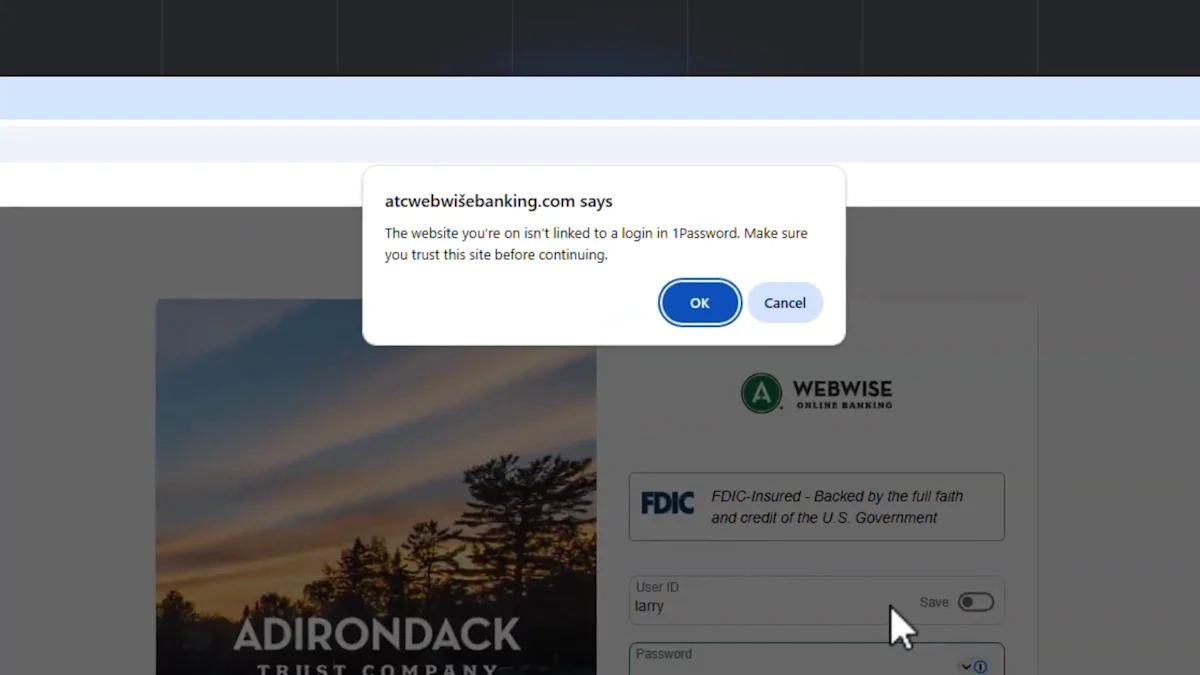
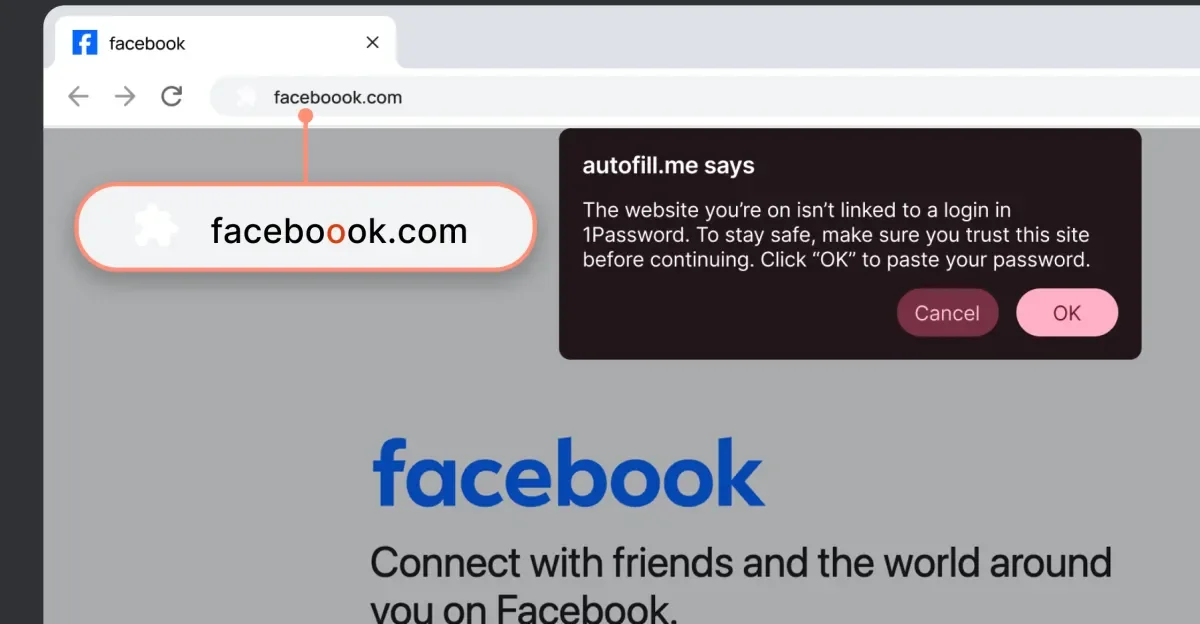
1Password’s browser extension will warn users and halt autofill when a clicked login link leads to a URL that doesn’t match the saved login, aiming to curb phishing. It’s not foolproof, can still be bypassed by manual login entry, and will rollout gradually with individual/family accounts enabled by default when available and business use requiring admin activation.

Microslop Mania: Windows 11 AI Backlash Spurs Rename Extension
technology5 months ago

Microslop Mania: Windows 11 AI Backlash Spurs Rename Extension

Windows 11’s growing AI integration has sparked backlash, with users labeling Microsoft as 'Microslop' and a Chrome extension that visually renames Microsoft to Microslop; the piece traces Copilot’s rollout across Windows 11 since 2023 and how the AI push in core apps has frustrated some users, while industry voices and companies like Dell push back on AI-centric PCs.

Anthropic Launches Claude AI Chrome Extension Amid Browser Security Concerns
technology10 months ago

Anthropic Launches Claude AI Chrome Extension Amid Browser Security Concerns

Anthropic's AI Chrome extension, designed to automate tasks, has significant security vulnerabilities with a 23.6% attack success rate, reduced to 11.2% with safety measures. Experts warn that these risks, including prompt injection and malicious instructions, pose serious security concerns, and current protections are insufficient, placing the burden of security on users.

Top Password Managers Face Critical Clickjacking Vulnerabilities
technology10 months ago

Top Password Managers Face Critical Clickjacking Vulnerabilities

A security researcher revealed that some password manager browser extensions are vulnerable to clickjacking attacks that can steal sensitive data, but desktop and mobile apps are not affected. Several password managers have issued patches or are working on fixes, and users are advised to update their software, disable auto-fill, or use desktop/mobile versions to stay safe. Good cybersecurity practices, like avoiding suspicious links and using VPNs and antivirus software, are also recommended.

"Maximizing Gmail's Tabs with This Game-Changing Extension"
technology2 years ago

"Maximizing Gmail's Tabs with This Game-Changing Extension"

A new browser extension called Gmail Tabs by CloudHQ allows users to customize Gmail's tabs by turning labels or search queries into customizable tabs, providing more flexibility and organization options than the platform's predefined categories. The extension also enables users to set up filters to automatically sort relevant emails into these custom tabs, making email management less overwhelming. While not perfect, the extension offers more flexibility and control over email organization, addressing some long-standing limitations of Gmail's tab system.

"Opera GX Introduces HeartBlockker Extension for Enhanced Privacy and Security"
technology2 years ago

"Opera GX Introduces HeartBlockker Extension for Enhanced Privacy and Security"

Opera GX, a browser designed for gamers, has introduced a new browser extension called HeartBlocker to help users curate an online experience free from love-themed images and texts, just in time for Valentine's Day. The extension features two modes, Normal Mode and Emo Mode, and uses AI capabilities to replace lovey-dovey words and phrases with neutral terms, as well as remove overly pink/red images from the browsing experience.