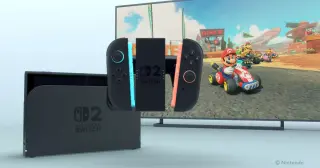
Switch 2 Dock Update Introduces VRR and Easy Data Transfer
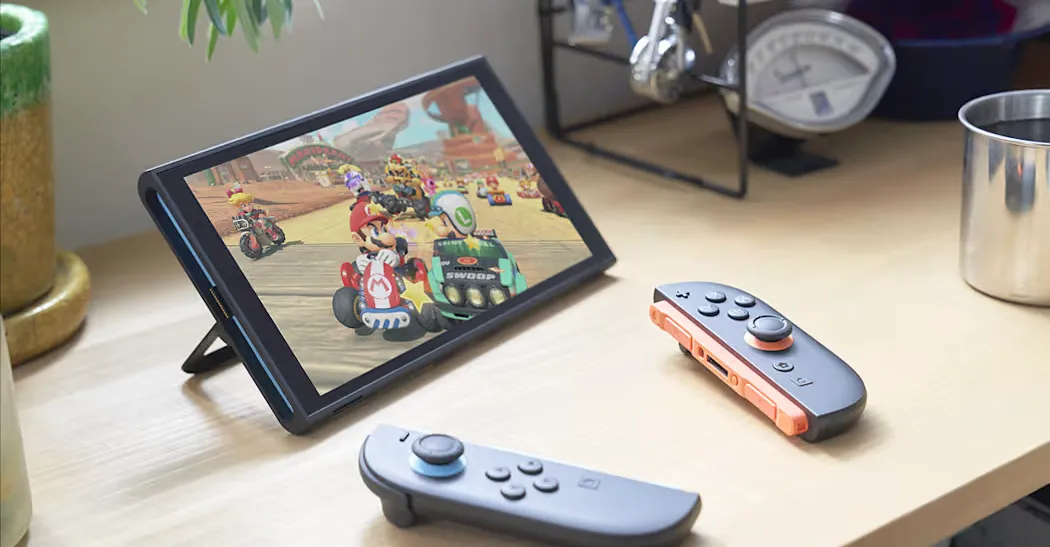
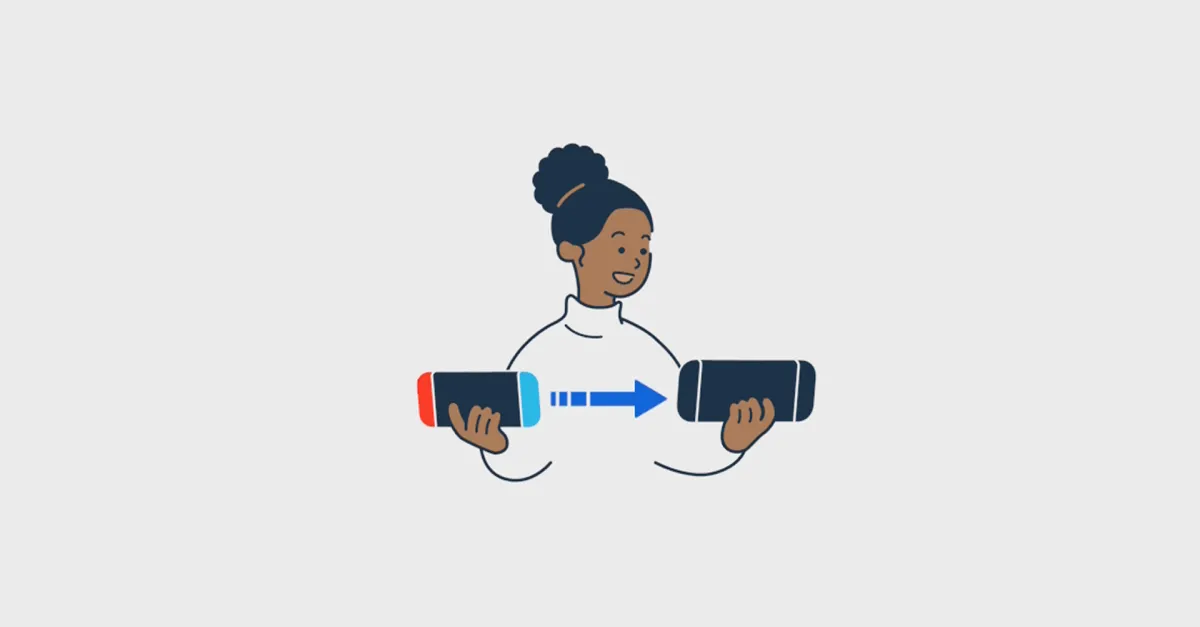
Nintendo's Switch 2 gets a 23.0.0 dock update that adds Variable Refresh Rate for docked play when both TV and game support it; enabling VRR requires updating the dock firmware and enabling the setting in Display. The update also adds Complete Data Transfer between two Switch 2 consoles and includes a new background music option in the Mii editor.