Modern screen usage increases the mechanical load on the neck from 12 pounds to 60 pounds, causing widespread pain. A London spinal neurosurgeon recommends five specific exercises and movement breaks to strengthen neck flexors and correct forward-head posture.
Prolonged sitting is linked to increased risks of heart disease, diabetes, and fatigue, even among regular exercisers. Experts recommend breaking up sedentary time with short, frequent movement breaks rather than relying solely on dedicated workout sessions. While some advocate for five-minute walks every 30 minutes to lower blood pressure and glucose, others suggest specific exercises like single-leg standing for bone health. The consensus is that integrating movement throughout the day is crucial for mitigating the metabolic and cardiovascular damage caused by modern sedentary habits.
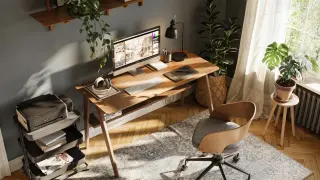
A roundup of 10 Amazon-available home-office gadgets designed to boost productivity, from Sony WH-1000XM6 noise-canceling headphones and a Nextmug self-heating mug to a smart Echo Show 8 display, plus a high-rated keyboard (Logitech MX Keys S), mouse (MX Master 4), adjustable FlexiSpot EN1 standing desk, Ooraii F4 timer, Lepro LED desk lamp, Anker A8380 USB-C hub, and Sihoo M18 chair—each chosen for features that curb distractions, improve comfort, or streamline work to help you stay focused all day.
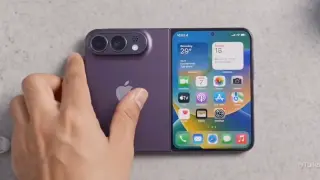
Rumors point to Apple’s folding iPhone weighing up to 78g more when folded than the standard iPhone 17, potentially increasing strain on the thumbs and altering grip. A physical therapist warns that the added weight and repeated use could cause fatigue and tendon tension around the thumb, risking nearby tissues. Online discussions from foldable-phone users echo hand-strain concerns. Experts advise taking 30–45 minute breaks, resting the device, and performing palm and finger stretches to improve circulation and reduce injury risk.
A roundup of ten desk gadgets under $100 available on Amazon that aim to boost comfort, organization and productivity in a home office. The list spans practical helpers like the Odistar desktop vacuum, Huanuo FlowLift monitor arm, and a compact GoveeLife air purifier, to climate control (Trustech 2-in-1 fan/heater), lighting (Quntis ScreenLinear Glow), ergonomic input (Logitech Lift vertical mouse, ProtoArc EK01 Plus keyboard), smart assistance (Echo Dot 5th Gen), a temperature-controlled Ember Mug 2, and a space-saving Anker MagGo 3-in-1 charger, each with strong ratings and third-party recommendations.
Despite its high price, the Nintendo Switch 2 Pro Controller offers superior comfort, long battery life (~40 hours), and handy features like motion controls, amiibo support, HD Rumble, programmable GL/GR buttons, and a headphone jack—making it a compelling choice for most Switch 2 players, though the D-pad remains imperfect and $90 is steep; alternatives like the 8Bitdo Ultimate 2 exist.
This tech roundup showcases 12 budget-friendly home‑office upgrades under $25, spanning peripherals, ergonomic supports, connectivity, lighting, and storage. Highlights include a multi‑button mouse (Redragon M612 Predator), wireless keyboard/mouse combo (Logitech MK270), a laptop stand (Amazon Basics), a clamp‑on monitor arm (Wali), a cable‑management box (Naeety), a GaN charger (Belkin), a ring light (UBeesize), a budget webcam (NexiGo N60), smart bulbs (TP‑Link Tapo L535E), a 12‑outlet surge protector (Belkin), a USB‑C hub (Anker), and a dual‑port USB flash drive (SanDisk Ultra Dual Drive). The piece emphasizes improving posture, reducing cable clutter, better lighting, and reliable connectivity without breaking the bank, noting each item’s price, reviews, and availability across major retailers plus a brief methodology of selection.
The article warns that 15 common home‑office tech items can hinder productivity or pose risks. Examples include cheap USB hubs/docks, various mice (including vertical and compact designs), non‑mechanical keyboards, smartphone charging stands, cheap USB chargers/cables, old surge protectors, the Steam Deck and other gaming handhelds, webcams without covers, small electric standing desks, space heaters, ionizers (ozone risk), and 3D printers (and lasers) in occupied spaces. The author urges prioritizing solid ergonomics, reliable, well‑made gear, proper ventilation, and safer alternatives over gimmicks to maintain focus and safety.
Prolonged desk work can shorten hip flexors, worsen posture, and trigger back/neck pain, reducing cycling performance. With office workers spending roughly 70% of the day seated and four+ hours of sitting linked to chronic diseases, the article recommends breaking up sitting every 20 minutes with light activity, optimizing workstation ergonomics, and taking 60-120 second breaks every 30-45 minutes. It also suggests a pre-ride reset and a strength circuit to counteract desk-related stiffness, and emphasizes on-bike tweaks (saddle height/setback, cleat alignment) to protect long-term health and performance.
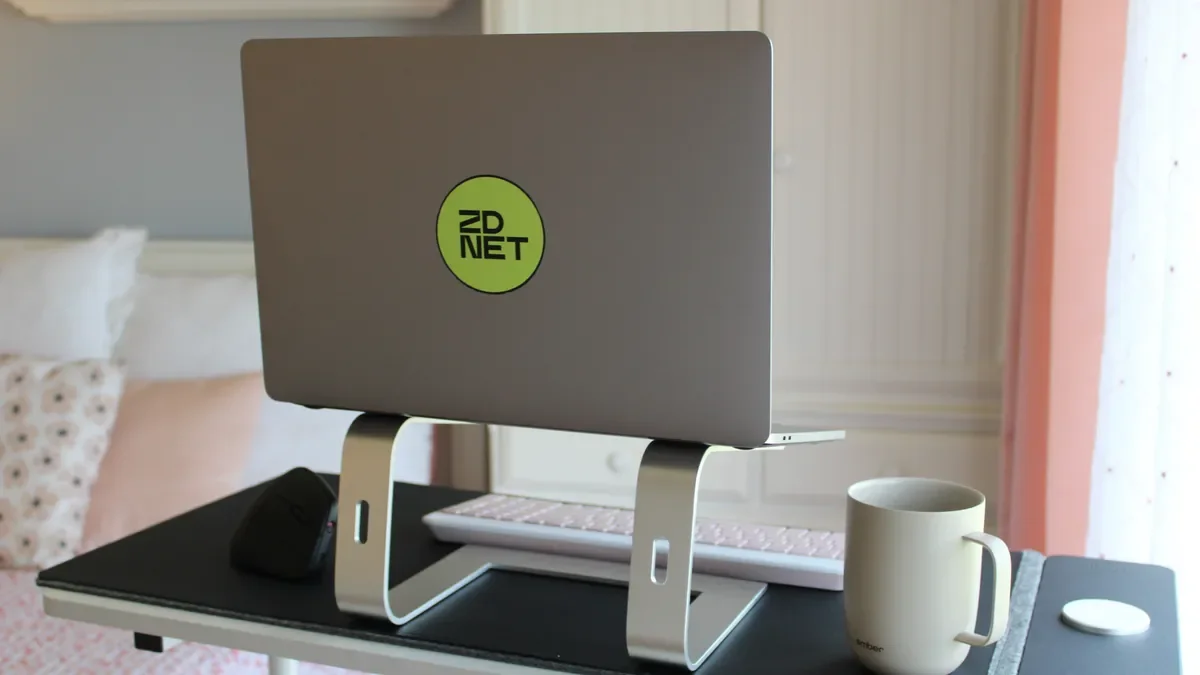
Senior ZDNET editor Allison Murray shares her Presidents' Day home-office wishlist, detailing seven gadgets she plans to buy to boost comfort and productivity: a Logitech Pop Wireless Mechanical Keyboard ($80) to replace her Apple Magic Keyboard; an adjustable laptop stand ($30) for better eye level; Gunnar blue-light glasses ($39) to reduce eye strain; a Rocketbook reusable notebook ($30) to digitize notes; an Epson Workforce Pro printer ($135) for wireless printing; a LapGear lap desk ($40) for couch work; and an Ember Smart Cup ($88) to keep coffee warm. She notes these picks reflect her evolution since going full-time remote in 2019 and aim to upgrade her setup during Presidents' Day deals.
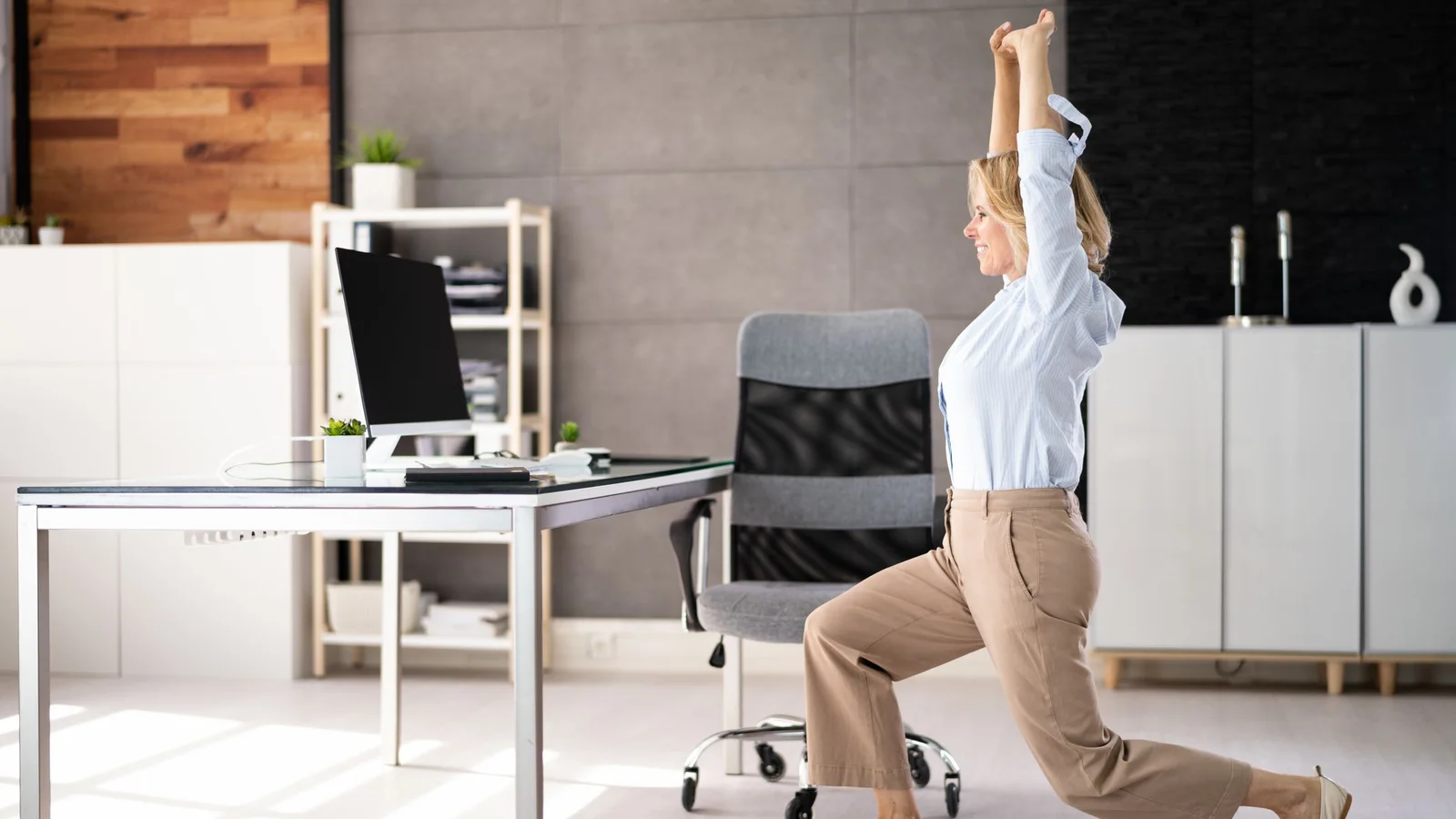
A Johns Hopkins-trained spine surgeon outlines two essential desk-friendly stretches—a seated spinal twist and a hip flexor stretch—and three spine-support props (lumbar support, sit-stand desk, and a footrest) to counteract prolonged sitting. The piece includes simple how-tos and explains how these moves and tools help relieve stiffness, improve mobility, and promote better posture for anyone spending long hours at a desk.
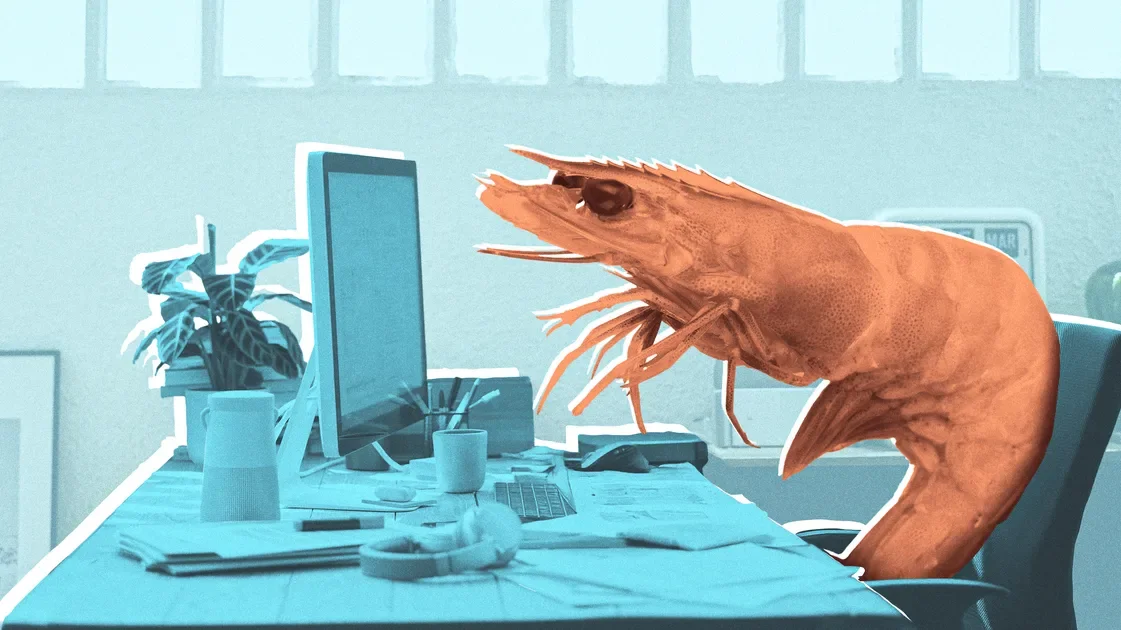
A HuffPost Wellness piece warns that slouching into a “desk shrimp” while typing can strain the neck, back, and wrists, impair digestion, and dull focus. It offers practical fixes: use a chair with back support, sit upright, raise your monitor to eye level (using a laptop stand and external keyboard), and lift your phone to eye level to reduce strain and improve concentration.
Experts urge desk workers to counter tech neck with regular micro-breaks every 30–45 minutes and quick posture corrections, including eye-level screens and varied tasks. Add gentle mobility moves—bow-and-arrow, side neck rotations, and ear-to-shoulder—with slow, controlled movements, and aim for 30–60 minutes of moderate activity daily. Manage stress and sleep to reduce muscle tension, avoid neck cracking, and employ ergonomic setups (laptop riser, properly positioned monitor, and elbows/knees at 90 degrees) to prevent strain.
The article discusses innovative keyboard designs focused on ergonomics, including a custom Russian keyboard called Lapa that mimics stylish shoes and integrates a mouse function, a typewriter interface with AI, vintage e-waste battlestations, a toy typewriter from Denmark, and a scented, heated gaming mouse and keyboard combo, highlighting creativity and functionality in tech accessories.
The article discusses common mistakes people make when using a second monitor and provides tips on how to optimize its use for better productivity and ergonomics.