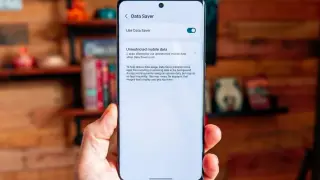
Android Data Saver: a simple toggle to curb data use and dodge overage
Android's Data Saver mode restricts background data to help you stay within your mobile plan; enable it in Settings > Network & Internet > Data Saver, then use the Unrestricted data list to whitelist apps that must bypass the restriction. Be aware some apps may not function properly until you allow them, and remember to disable Data Saver when you no longer need it to avoid reduced app performance.