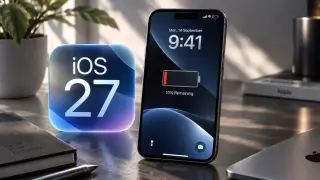
Cooling Down iOS 27: Quick Fixes for Battery Drain and Overheating
After updating to iOS 27, many users report rapid battery drain and overheating due to background tasks, app compatibility issues, and potential bugs. Practical steps include checking which apps use the most power, disabling background app refresh, reducing screen brightness (and enabling dark mode), force-quitting unused apps, and updating all apps. A simple device restart can help, and you should monitor for 24–48 hours as the system stabilizes. If problems persist, consider advanced options such as a factory reset or downgrading to iOS 26 (if Apple still signs it), or contact Apple Support for further assistance.