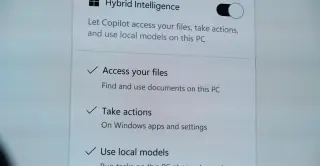
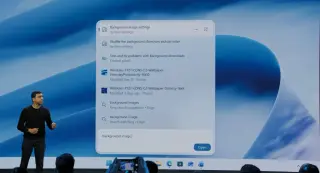
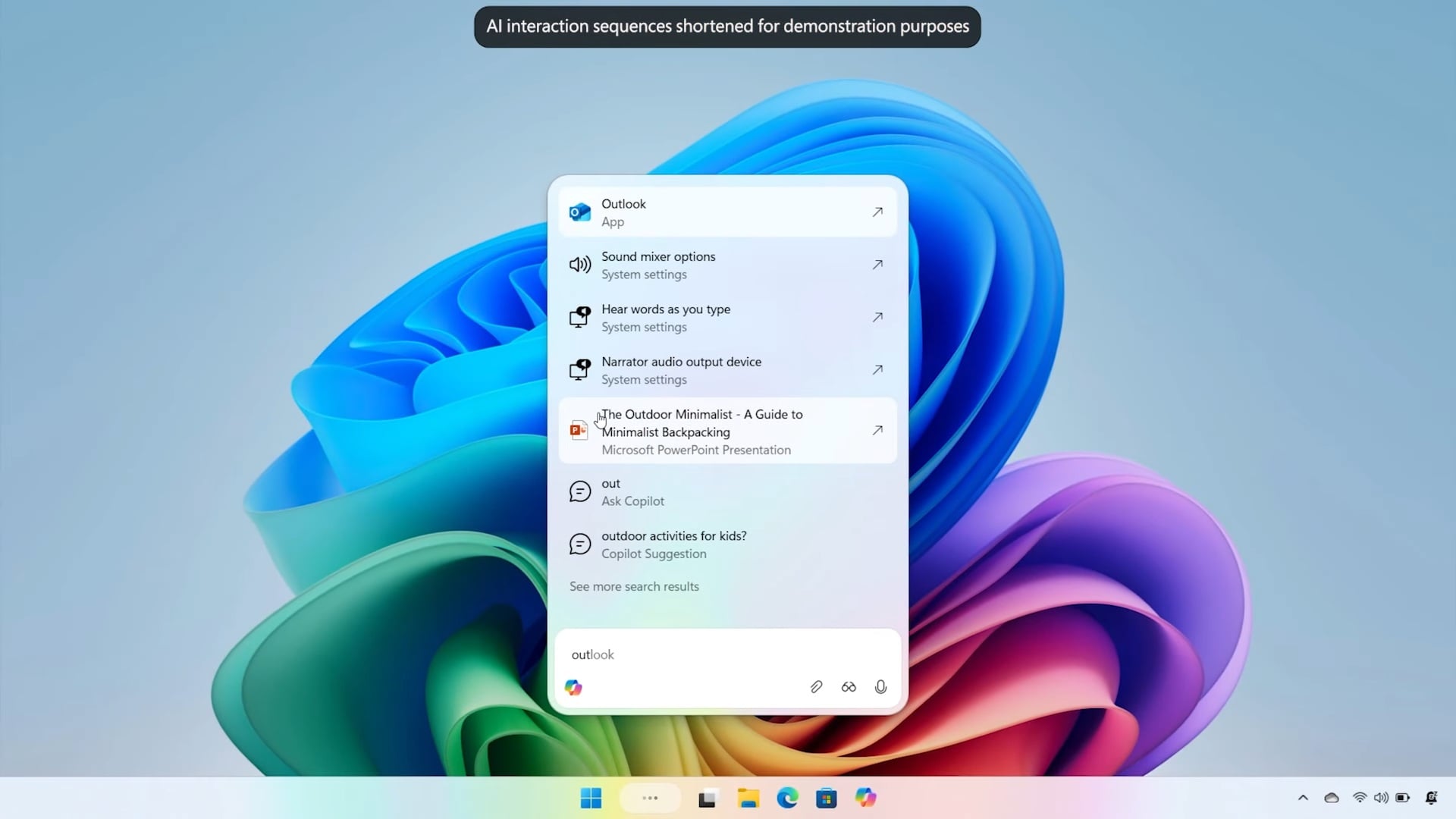
Microsoft announced 'Hybrid Intelligence' and a rebuilt Windows 11 Search at its October 7 event, enabling Copilot to access local files and execute system actions via local and cloud AI models.
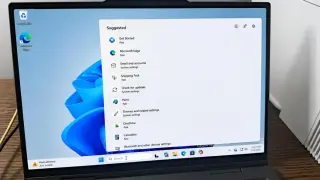
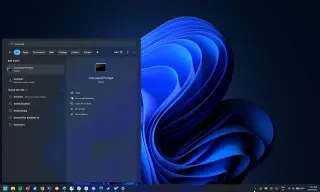
Microsoft has announced a complete rebuild of Windows 11 Search, featuring a new vertical panel design that allows users to adjust system settings, take screenshots, and send text messages directly from the taskbar. The update, confirmed at a recent event, aims to make finding apps and files faster while integrating thousands of quick actions. Additionally, Microsoft has made local sandboxing for GitHub Copilot generally available, using Microsoft eXecution Containers (MXC) to secure AI agent workflows on Windows, macOS, and Linux.
Microsoft’s Windows 11 26H2 update arriving this fall focuses on practical tweaks to Start, Taskbar, and Search: you can finally move the Taskbar to any edge (top, bottom, left, or right) with layout adjustments for each position, plus a smaller Taskbar option; the Start menu gains preset sizes, lets you toggle visibility of Pinned/Recent/All, and lets you separate file recommendations from system recommendations, plus a new screen-sharing privacy option to hide account details; Windows Search gets a redesigned home, more precise results that prioritize local content, new controls to turn off web and Store results, improved misspelling handling, and a taller search box. The changes are part of ongoing monthly updates rather than a full redesign, and some features may appear in 25H2 as they’re rolled out.
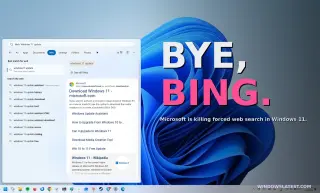
Microsoft is removing promotional content from Windows Search, refocusing results on local items like apps, files, and settings. Users can now disable Bing web search and Microsoft Store recommendations via Settings > Privacy & Security > Search, and Windows will better understand partial queries for faster results.
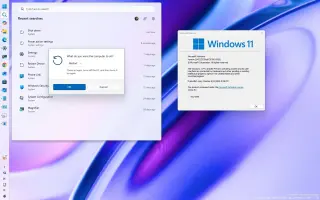
Microsoft is rolling out a redesigned Windows 11 Search to the Experimental Insider channel that trims the UI to show only suggested searches, with clear app or setting results and recent queries for quick recall. It removes promotional clutter, prioritizes relevant results (including local, web, and Microsoft Store items if enabled), and adds improved typo tolerance and cross-reference with cloud/connected files when more relevant. To try it, join the Windows 11 Insider program and enable the Refined Windows Search feature flag in Settings > Windows Update > Windows Insider Program. If it passes muster, the update could roll out to all users in a few months.
Microsoft is testing a Windows 11 feature to disable web/Bing results in Search and even hide Microsoft Store results, enabling a fully local search. Preview builds and a Windows Insider meetup showed that two-character input now triggers local results and that substring search is supported, with local results ranked above web results. The rollout to testers is expected in coming weeks, marking a shift toward greater user control and away from Bing-only search behavior (previously achievable only via registry edits).
Microsoft is rolling out two Windows 11 Search improvements: two-character indexing for faster file discovery and a new Substring Search that makes it easier to locate files with compound names by typing partial terms, with updates spreading via the May 2026 optional update and Insider builds to reduce clutter and emphasize local results over web prompts.
Microsoft is rolling out improvements to Windows 11 Search to prioritize local files and apps over web results in most preview builds. Tests show that local results now outrank web suggestions when there’s a strong match, though web results remain. A registry method to disable web search exists today, with Settings control potentially coming later. Microsoft also plans broader search enhancements across the Taskbar, Start, File Explorer, and Settings, including a faster UI and better cross-component consistency, along with features like a native Start menu and Low Latency Profile.
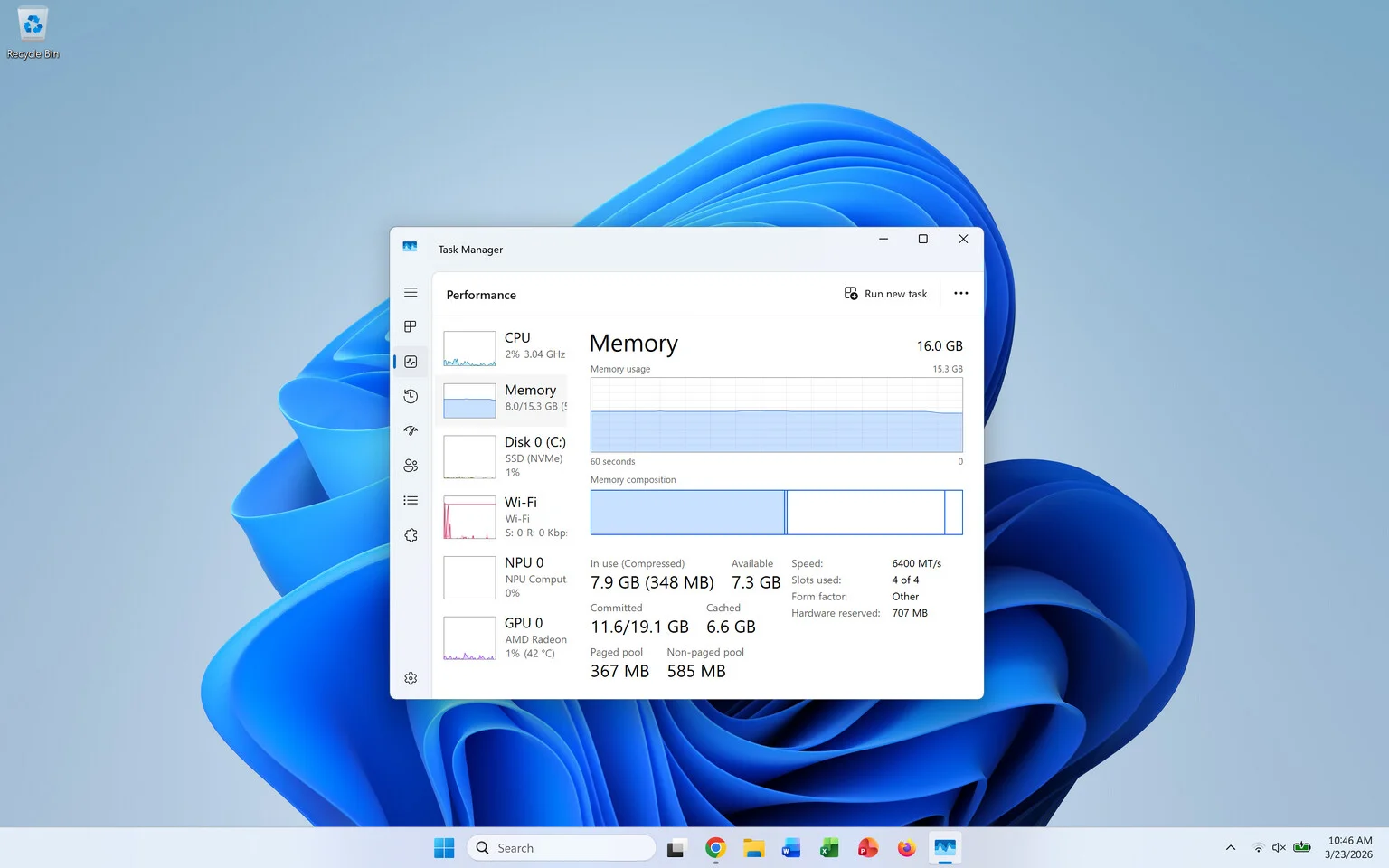
Microsoft outlined upcoming Windows 11 updates focused on memory efficiency and a faster, smoother user experience, including new background memory policies to free RAM, a shift toward the desktop-only WinUI 3 framework to reduce latency, and optimizations for core components like File Explorer and Windows Search. The move comes amid concerns about RAM usage on machines with 8–16 GB and competitive pressure from devices with tighter memory footprints.
Microsoft is replacing Windows 11's traditional search with 'Ask Copilot' on the taskbar, integrating AI-powered features to improve search and user interaction, while Windows Search remains available but less emphasized, signaling a shift towards AI-driven functionalities in Windows.
Microsoft is preparing a major Windows 11 update set for September, introducing improvements like enhanced search, customizable lock screen widgets, a redesigned Windows Hello, and updates to Copilot+ features such as Recall and Click To Do. Additional features like a new Start menu and system-wide dark mode are expected later in the year, along with ongoing fixes and quality of life improvements.