Tag

Pc Performance

All articles tagged with #pc performance

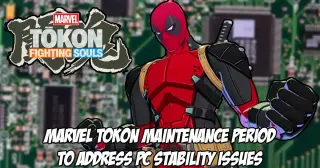
Marvel Tokon: Fighting Souls patch fixes PC performance as servers come back online
gaming14 days ago

Marvel Tokon: Fighting Souls patch fixes PC performance as servers come back online

Patch notes released after maintenance promise PC-focused improvements for Marvel Tokon: Fighting Souls, including reduced CPU usage, fixes for audio-related processing spikes that caused frame drops, and frame-rate stability across resolutions. Bug fixes address battle settings reverting after restart and unresponsive lobby buttons. PC-specific tweaks include shader warm-up prompts and improved auto-graphics detection. Servers are back online with overall lag reductions and performance improvements.

PC Patch Flips the Script for MARVEL Tōkon: Fighting Souls After FPS Frustrations
technology14 days ago

PC Patch Flips the Script for MARVEL Tōkon: Fighting Souls After FPS Frustrations

MARVEL Tōkon: Fighting Souls on PC faced widespread 60 FPS performance issues at launch, while PS5 ran smoothly. Sony and Arc System Works released the first patch to cut CPU load, fix sporadic performance drops, and improve crash reporting, with offline testing yielding generally positive results. The patch arrives amid player backlash and ongoing concerns about online play, though some high-end setups still report limited gains.

Beast of Reincarnation: Strong FPS Across Hardware, Yet Visuals Fall Short
gaming16 days ago

Beast of Reincarnation: Strong FPS Across Hardware, Yet Visuals Fall Short

DSOGaming benchmarks Beast of Reincarnation on PC using a Ryzen 9 7950X3D and a wide range of GPUs across 1080p, 1440p, and 4K. They find CPU bottlenecks at 1080p (a similarly-armed quad-core can hit ~60 FPS, but traversal/loading stutters persist); at 1080p and 1440p most GPUs maintain 60+ FPS, with 4K max demanding high-end GPUs (RTX 5090/4090, 5080 with G-Sync). The game supports DLSS and FSR 3.0 but lacks Frame Gen or XeSS, and Ray Tracing appears broken as RT On vs Off yields little to no visual difference. Visually, the title looks old-gen with pop-ins and low-res textures, not a true UE5 showcase or fully utilizing Nanite/Lumen. Overall, it runs smoothly on a broad hardware range, but the visuals and RT implementation are underwhelming, and weaker CPUs may struggle.

Forza Horizon 6 on PC: Optimized Balance of Visuals and Performance
gaming3 months ago

Forza Horizon 6 on PC: Optimized Balance of Visuals and Performance

The article analyzes Forza Horizon 6 on PC, praising its extensive graphics options, scaler support, and uncapped framerates while warning about initial shader compilation stutters and some CPU/GPU bottlenecks; it provides detailed non-RT and RT optimization presets, explains VRAM considerations, discusses DLSS/FSR/XeSS caveats and Reflex behavior, and offers practical tips to improve smoothness and image quality without sacrificing the game's visual appeal.

Crimson Desert PC: One Lighting Setting Delivers Major Frame-Rate Boost
technology5 months ago

Crimson Desert PC: One Lighting Setting Delivers Major Frame-Rate Boost

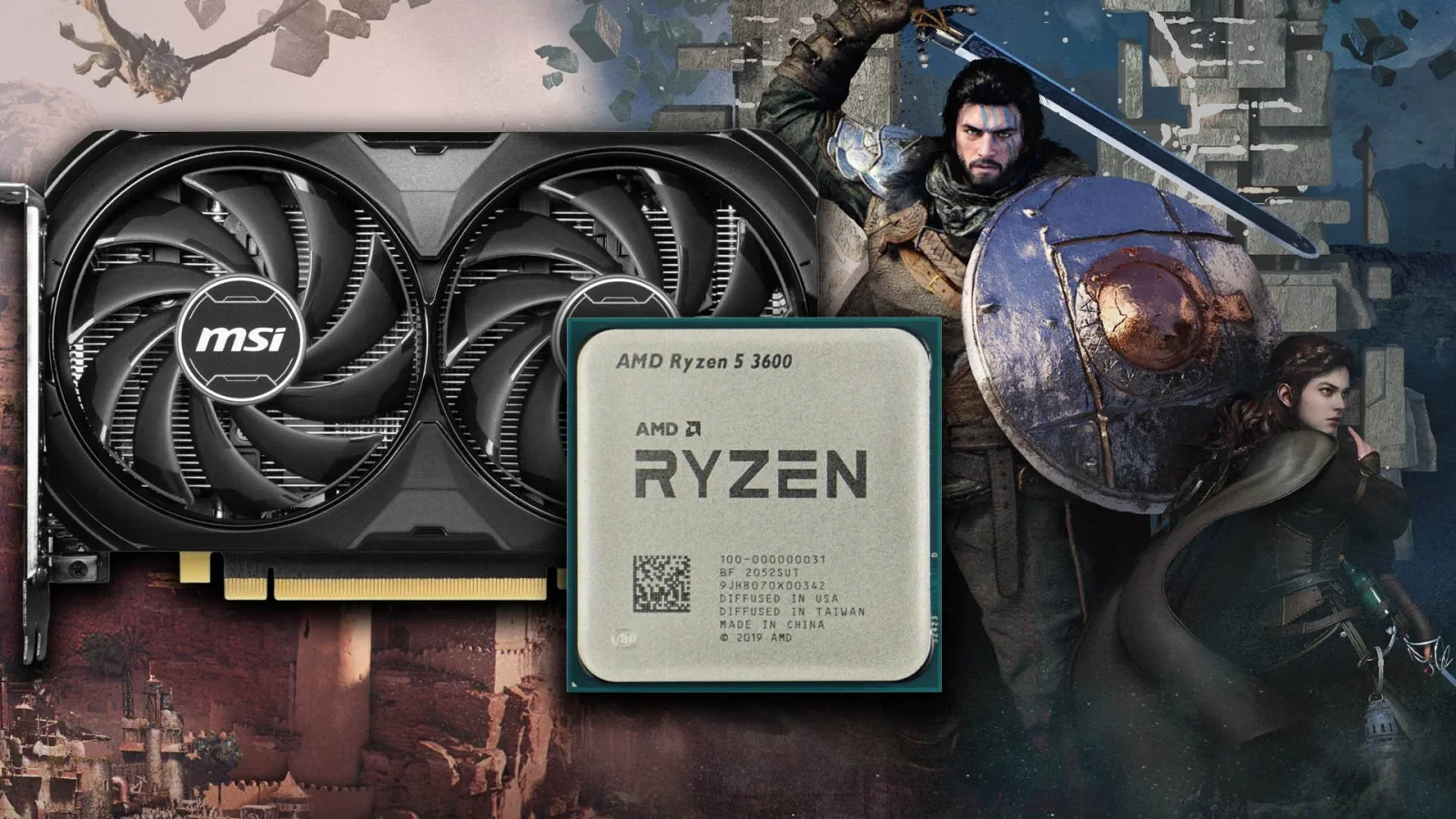
Digital Foundry finds Crimson Desert on PC runs solidly at 1440p with a Ryzen 5 3600 and RTX 4060 using DLSS 4.0, but the biggest performance jump comes from dialing Lighting Quality away from Max (to Ultra or Cinematic), which can nearly double FPS in CPU/GPU‑heavy moments; DF Optimised Settings offer an additional ~11% uplift, while ray tracing on/off has minor effects. Frame generation can push FPS into the 70s–90s but adds latency. The game is GPU-bound and benefits from more CPU headroom in busy scenes; VRAM usage is fine on 8GB GPUs.

PMR 2.0: A cautious stride toward redemption
technology5 months ago

PMR 2.0: A cautious stride toward redemption

Project Motor Racing’s 2.0 update brings a cleaner UI, a streamlined offline career mode, real-world sponsors, and telemetry-driven tyre/handling refinements across GT classes. Handling is improved—cars feel more responsive and braking/brake-shift confidence is up—but PC visuals remain behind rivals with stuttering and pop-in, and AI behavior stays inconsistent. The track cut system is still quirky, and there are remaining bugs affecting gear shifts and early-lap AI actions. Overall, 2.0 is a cautious but real step forward, not a full redemption, as performance and polish still lag behind expectations.

Bungie highlights Marathon playtest gaps: PC performance, UI tweaks, and ammo balance under scrutiny
gaming5 months ago

Bungie highlights Marathon playtest gaps: PC performance, UI tweaks, and ammo balance under scrutiny

Bungie released a digest of Marathon server-slam feedback, flagging PC performance issues (high CPU use, FPS ceilings, stuttering), ongoing UI feedback iterations, and concerns over med and ammo economy, plus investigations into “Weasel” network errors; players are encouraged to share system details and clips to aid fixes.

Bungie refines Marathon UI and PC performance in Server Slam feedback round
gaming5 months ago

Bungie refines Marathon UI and PC performance in Server Slam feedback round

Bungie is actively addressing player feedback from Marathon’s Server Slam, focusing on UI improvements, PC performance (high CPU use, low GPU utilization, FPS ceilings, stuttering), PvP balance on non-beginner maps, movement and heat concerns, med/ammo economy, and Weasel error codes. Players are asked to share system specs and video clips via the Help Forum and Discord to help investigations ahead of the March 5 full launch. The Server Slam peaked at about 143,621 concurrent PC players on Steam, with a Steam peak around 76k on the weekend, and runs until March 2, 6pm UK time.

Monster Hunter Wilds PC: DLC Check Bug Causes CPU Strain
gaming7 months ago

Monster Hunter Wilds PC: DLC Check Bug Causes CPU Strain

Digital Foundry confirms that PC performance issues in Monster Hunter Wilds come from the game repeatedly checking for DLC in hub/base camp areas, which increases CPU load. Buying DLC doesn’t actually boost performance; the issue is a bug. A mod called Less DLC Checks blocks these checks and can improve FPS by roughly 11–26% depending on settings. Capcom should fix the bug, but there is a workaround, especially noticeable on hub areas and lower-end CPUs.

Monster Hunter Wilds DLC checks yield only modest PC gains, not a miracle fix
technology7 months ago

Monster Hunter Wilds DLC checks yield only modest PC gains, not a miracle fix

New tests largely confirm that buying the full cosmetic DLC catalog for Monster Hunter Wilds provides only small, hardware-dependent framerate gains instead of the dramatic boosts initially reported. In controlled runs, RTX 4060 rose from about 66fps to 67fps around base camp, while RTX 5080 went from ~66fps to 73fps (plus small 0.1% lows improvements). Outside base camp, gains are minimal, and the author cautions that spending nearly £460 on cosmetics is not worth it. Capcom’s patch due Jan 27 will be another test, but the evidence so far suggests the DLC checks aren’t a silver bullet for performance.

Modder Links DLC Checks to Monster Hunter Wilds PC Performance
news7 months ago

Modder Links DLC Checks to Monster Hunter Wilds PC Performance

A Kotaku piece reports a viral theory that Monster Hunter Wilds’ PC stutter and low FPS may be caused by how the game checks for DLC; a Reddit user found dramatically better FPS on a friend’s DLC-enabled account, and a modder released a DLC-check bypass to test the theory; Capcom hasn’t confirmed the claim, though the game has dozens of DLC packs on Steam and patches have repeatedly added more DLC.

Background DLC Checks Drag Down Monster Hunter Wilds Performance on PC, Reddit Finds
gaming7 months ago

Background DLC Checks Drag Down Monster Hunter Wilds Performance on PC, Reddit Finds

Reddit user u/de_Tylmarande reports Monster Hunter Wilds PC runs worse due to a background DLC ownership check that adds CPU overhead; disabling the check with a mod reportedly boosts FPS from about 26 to 46 in a busy hub, with mid-range hardware most affected. Whether this is a bug or deliberate DRM is unclear, but Capcom has released performance patches without addressing this check; more optimizations are promised for 2026, and the mod may be released if Capcom doesn't fix the issue.

NVIDIA GeForce NOW Expands with New Games and Features
technology10 months ago

NVIDIA GeForce NOW Expands with New Games and Features

The Outer Worlds 2, powered by Unreal Engine 5, supports NVIDIA DLSS 4 and Ray Tracing on PC. Benchmarks on an NVIDIA RTX 5090 reveal that Ray Tracing improves visuals but causes significant performance drops and noisy shadows, making it less recommended. DLSS 4, especially with Frame Gen, helps achieve playable frame rates at 4K, with the best performance using DLSS 4 Performance Mode. Overall, DLSS 4 offers good visual quality and performance, while Ray Tracing's drawbacks suggest disabling it for smoother gameplay.

The Outer Worlds 2: Performance, Reviews, and Early Access Insights
technology10 months ago

The Outer Worlds 2: Performance, Reviews, and Early Access Insights

The Outer Worlds 2, built on Unreal Engine 5 with raytracing and upscaling features, shows demanding PC performance benchmarks, with high-end GPUs needed for 4K 60+ FPS, and various graphical settings impacting performance and visual quality. The game offers extensive customization options, but HW-Lumen raytracing currently has issues, and optimization is expected in future updates.