TP-Link Unveils Full Wi-Fi 8 Family at IFA 2026, Headlined by Archer 8 Ultra and Deco 8 Ultra
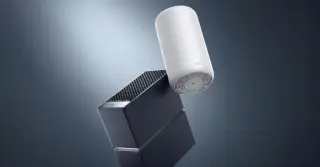
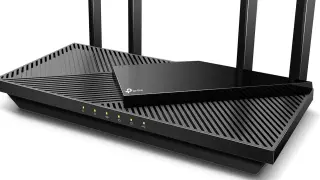
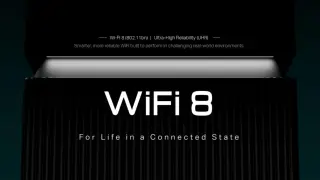
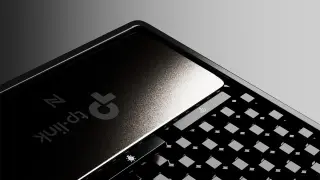
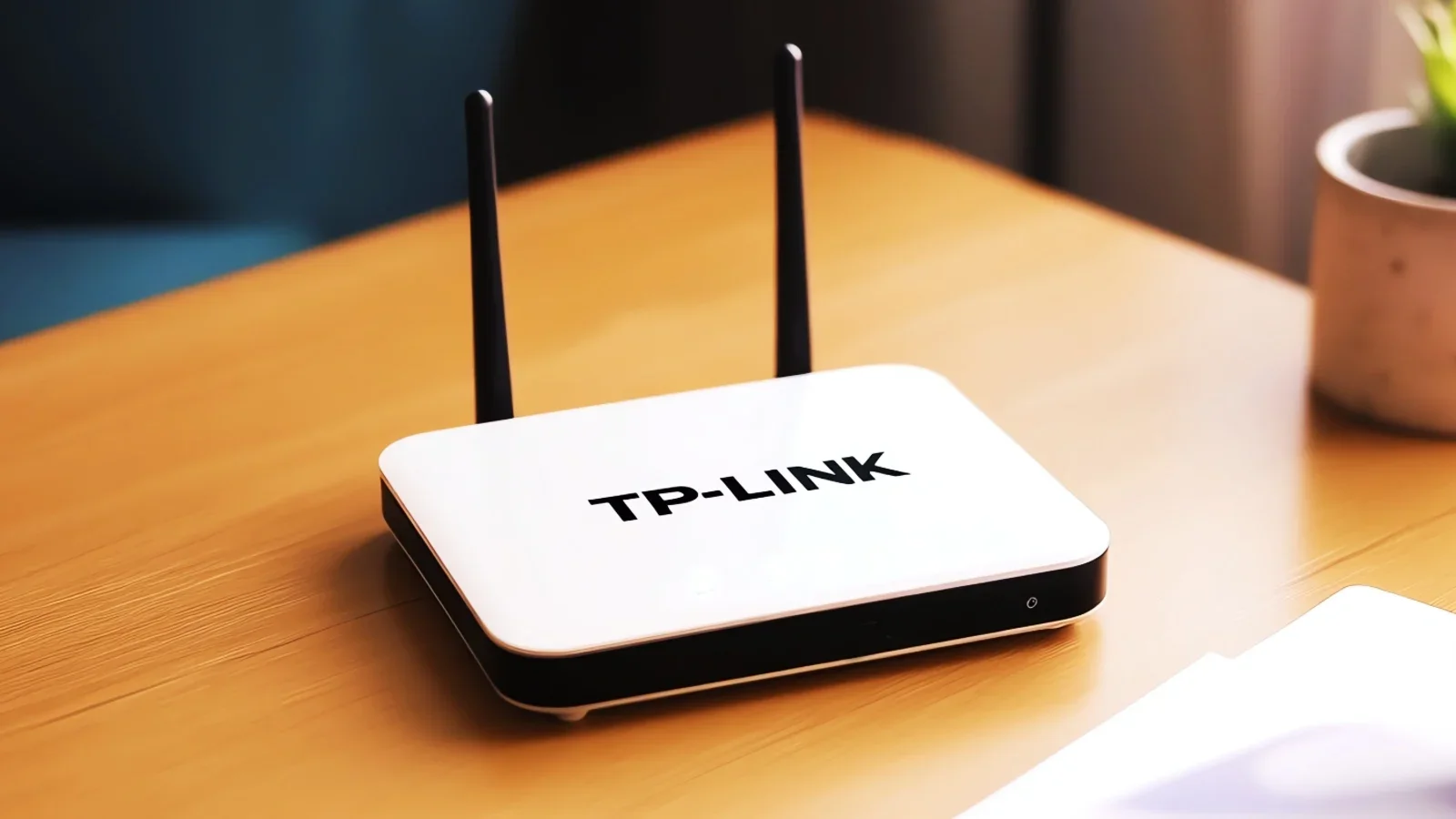
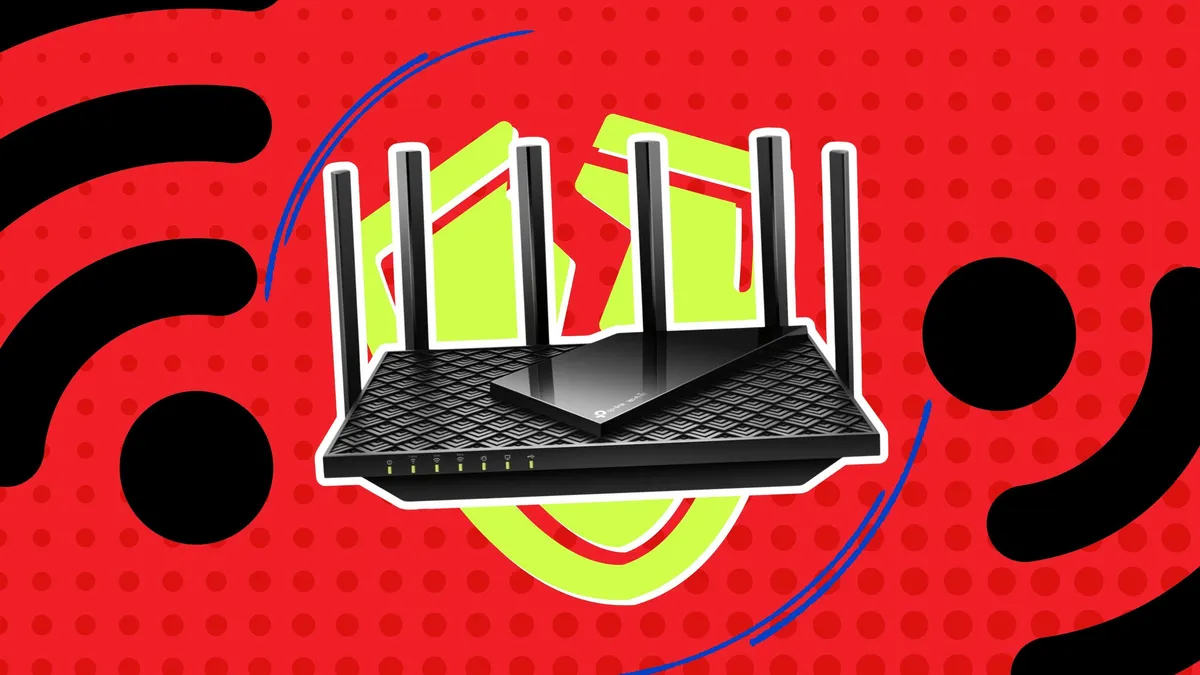
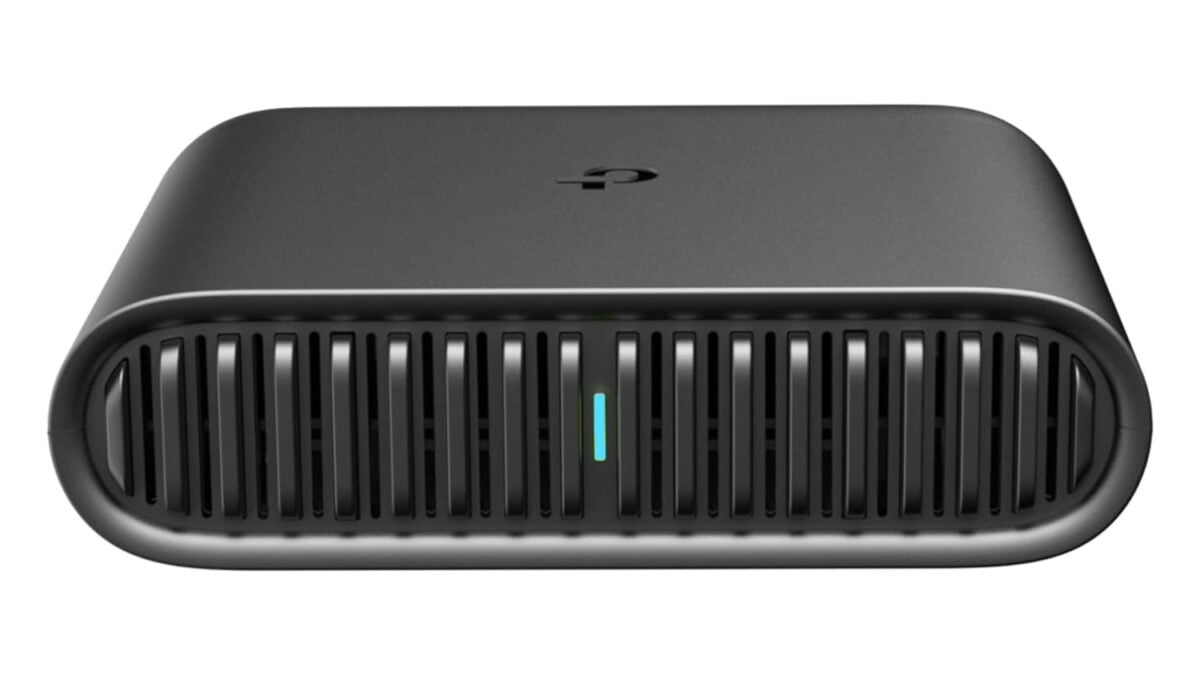
TP-Link unveiled its first Wi‑Fi 8 lineup at IFA 2026, led by the Archer 8 Ultra router and Deco 8 Ultra mesh system. Built on the future IEEE 802.11bn standard and pairing Wi‑Fi 8 chipsets from Broadcom, Qualcomm and MediaTek, the lineup centers on StabilityEngine to improve coverage, reduce congestion and minimize interference, using features like ELR, DRU, NPCA, UEQM and new MCS. The Archer 8 Ultra (BN19000) offers up to 19 Gbps and 10 Gbps wired, while the Deco 8 Ultra (BN22000) delivers up to 22 Gbps with a three‑pack covering up to ~9800 sq ft. Pre-orders for Archer 8 Ultra begin Sept 30, 2026, with the rest of the lineup rolling out in 2027 in regions where available.